Why choose Breeze
 Marketing
 Creative
 Sales
Sales Remote work
 Managers
 Product teams
 Project management
 Task management
 Kanban tool
 Time tracking
 Project reporting
 Project calendars
 Project timeline
 Team workload
 Project automation
 Project customization
 Chat
Chat Web forms
 Project roadmap
 AI
AI What's new
 Articles & guides
 Help center
 Mobile apps
 Integrations
 Developers & API
 Free tools
How do you keep sales pipeline management simple without a complex CRM?

Contents
- What does a simple sales pipeline look like in practice?
- How do simple boards compare to traditional CRMs?
- How do you capture and qualify leads without losing context?
- How do you stay on top of follow-ups and next steps?
- How do you forecast revenue without complicated reports?
- How can Breeze and AI keep your pipeline organized for you?
- What should you do next with your sales pipeline?
- Questions and answers
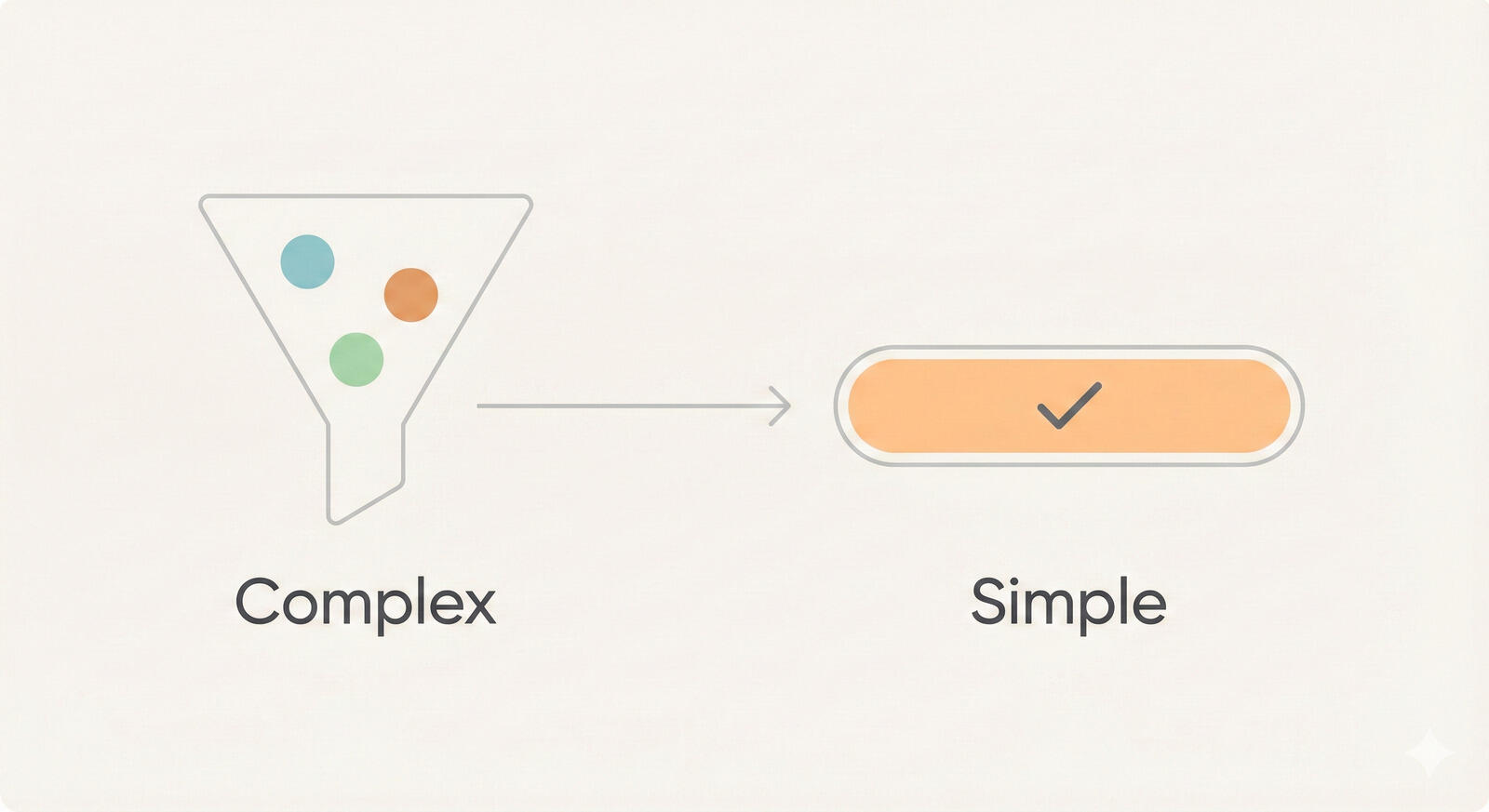
Sales pipeline management stays simple when you treat it like a visible workflow instead of a data entry exercise. If you are a founder, first sales hire, or small sales team lead, you usually need a clear view of deals and follow-ups more than you need a heavy CRM implementation. Breeze fits this pattern by letting you see every opportunity, owner, and next step in one place without forcing a full CRM rollout.
You can keep sales pipeline management simple by visualizing stages on a board, using due dates for follow-ups, and centralizing communication in task cards instead of scattered email threads. Once the basics work, you can use Breeze AI to ask questions about your projects, surface deal details quickly, and keep notes organized for you. The rest of this article focuses on the overall pipeline, while the linked guides go deeper into leads, board design, and sales and marketing collaboration.
If you want to go deeper into specific workflows, there are focused guides on tracking sales leads, building a simple pipeline board, and helping sales and marketing work from the same view.
Key takeaways
- Simple, visible workflows beat complex CRMs when your team needs to see deals, owners, and next steps at a glance.
- Simple boards, lists, and calendars give small sales teams enough structure to stay organized without feeling boxed in.
- Clear follow-up dates and AI-powered summaries reduce manual admin work and help reps spend more time talking to customers.
- You can still forecast and review performance with basic pipeline fields and views instead of advanced CRM configuration.
1. What does a simple sales pipeline look like in practice?
A simple sales pipeline looks like a short list of clear stages with one owner and one next step for every deal. In practice, that usually means a kanban board where each list represents a stage, such as new lead, qualified, proposal sent, negotiation, and won or lost, and each card represents a single opportunity.
Research from firms like HubSpot research consistently points out that teams with a defined pipeline process outperform those without one. But that process does not have to live inside a heavyweight tool. In many cases, a simple pipeline board with clear stages, due dates, and reminders is easier for reps to keep up to date, which matters more than having dozens of unused fields.
Sales leaders often emphasize that clarity beats complexity. Reps should be able to answer three questions by looking at their board: which deals need action today, which ones are at risk, and what is likely to close this month. Filters by owner, tag, or due date, plus saved views that highlight only the most important deals, make this much easier.
The table below compares a classic CRM-centric approach with a lightweight pipeline board setup for a small team.
| Approach | Typical setup | Pros | Trade-offs |
|---|---|---|---|
| Traditional CRM | Multiple objects, long forms, custom fields, strict process. | Deep reporting, automation, and integrations for complex teams. | High admin overhead, steeper learning curve, low adoption for small teams. |
| Pipeline board | Lists for stages, cards for deals, tags and checklists for details. | Fast to set up, easy for reps to understand, visible workflow. | Lightweight reporting, better suited for focused pipelines and lean teams. |
For many growing companies, this style of pipeline is a practical starting point. You can always layer in a CRM later, but starting with a shared board gets everyone aligned on what a good deal looks like, how stages work, and when follow-ups should happen.
2. How do simple boards compare to traditional CRMs?
Simple boards compare well to traditional CRMs when your main goal is to keep deals moving instead of capturing every possible data point. A pipeline board lets you see the entire pipeline on one screen, drag deals between stages, and open cards to see notes, files, and comments without hunting across multiple tabs.
Experts like Jason Lemkin and other operators often point out that early stage teams over invest in tools before they have a repeatable process. A kanban board is a better way to discover your real stages and bottlenecks. You can rename lists, adjust tags, and tweak checklists as you learn, without opening a long configuration menu.
The comparison below shows how a simple pipeline board stacks up against a traditional CRM for a typical five person sales team.
| Need | Traditional CRM | Pipeline board |
|---|---|---|
| See current deals | List views or dashboards with filters. | Board view with cards grouped by stage. |
| Log activity | Manual task and call logging forms. | Comments and checklists on each card. |
| Assign ownership | Record owner fields and queues. | Card assignees and watchers. |
| Forecast pipeline | Weighted pipeline reports and dashboards. | Card values, tags, and simple filtered views. |
This kind of setup is not trying to replace every enterprise CRM feature. Instead, it gives small teams a straightforward way to see who owns each deal and what needs to happen next, which is what most teams struggle with in the first place.
The table below can help you decide when a simple pipeline is enough and when a dedicated CRM might make sense.
| Scenario | Team size | Deal volume | Process needs | Reporting needs |
|---|---|---|---|---|
| Breeze as primary pipeline | Founders and small sales teams. | Manageable number of active deals per rep. | Clear stages, follow-ups, and simple handoffs. | Lightweight views and simple summaries. |
| Breeze alongside a CRM | Growing teams with more specialized roles. | Higher volume or multiple product lines. | Compliance rules, approval flows, or complex territories. | Deeper reporting handled in the CRM, day to day work in Breeze. |
| CRM as primary system | Larger organizations with many reps. | Very high deal volume and strict data requirements. | Extensive automation, integrations, and custom fields. | Advanced analytics, forecasting, and revenue dashboards. |
3. How do you capture and qualify leads without losing context?
You capture and qualify leads without losing context by sending every inbound lead into a shared board and keeping relevant details attached to the card instead of scattered across inboxes. That might mean turning website form submissions, referrals, or event leads into new cards that land in a new lead list.
Once a lead arrives, you can apply a simple qualification checklist directly on the card, such as budget, authority, need, and timeline, instead of building a complicated scoring model. Many sales frameworks, including the classic BANT approach popularized by IBM, work just fine as a short checklist that reps run through in their first conversation.
You can connect lead capture and qualification in a few practical ways:
- Create a new lead intake list where all fresh leads land before they are assigned.
- Use checklists for qualification questions and tags for segments, such as industry or company size.
- Mention teammates in comments when you need product, marketing, or leadership input on a deal.
Designing the full lead intake and follow-up process is mostly about tracking sales leads end to end.
4. How do you stay on top of follow-ups and next steps?
You stay on top of follow-ups and next steps by giving every deal a date and an action instead of relying on memory. In practice, that usually means adding due dates to cards and using calendar or timeline views to see what is coming up across the team.

Most sales advice from practitioners highlights that consistent follow-up matters more than perfect wording. A simple board setup supports this by letting you turn every follow-up commitment into a task: send updated proposal, confirm legal review, or schedule next call. When the due date arrives, the card stands out in your today or this week view.
You can combine board features to keep follow-ups organized:
- Use swimlanes or tags to highlight at risk deals that need extra attention.
- Watch key accounts so you are notified when teammates leave comments or change stages.
- Use recurring checklists for common sequences, such as trial onboarding or renewal outreach.
When follow-up tasks live on the same cards as your notes and files, you can jump back into context quickly instead of piecing together the story from separate notes apps and inbox searches. Breeze does not replace your email or calendar tools. You still send outreach from your inbox and schedule meetings on your calendar, while the cards on your board track commitments, context, and next steps.
5. How do you forecast revenue without complicated reports?
You forecast revenue without complicated reports by combining a few simple fields, like deal value, expected close date, and stage, with filtered views that show how much is likely to close in a given period. This setup does not try to be a full BI tool, but it gives you enough structure to have clear conversations about the pipeline.
Analysts and sales experts often stress that forecast accuracy depends more on disciplined updates than on advanced algorithms. Gartner research shows that organizations with structured sales processes report significantly improved forecast accuracy. A simple pipeline encourages updates because it is easy to maintain. Reps drag cards forward when progress happens, update amounts when quotes change, and adjust due dates after each call.
You can set up a few practical pipeline views in Breeze:
- Current month pipeline, filtered by expected close date and stage.
- New opportunities created this quarter, grouped by source tag.
- Stalled deals, filtered by cards with overdue follow-up dates.
These views give you enough insight to plan hiring, marketing spend, and cash flow without building a custom reporting stack on day one.
6. How can Breeze and AI keep your pipeline organized for you?
Breeze and AI keep your pipeline organized by helping you query your projects, surface context quickly, and turn long notes into clear next steps. Instead of hunting through boards and comments, Breeze AI answers questions about specific deals, accounts, or projects in the same workspace where the work already lives.
AI in sales is often discussed in the context of enterprise tools, but small teams can benefit just as much by focusing on practical use cases. For example, you can paste call notes into a Breeze card and have Breeze AI summarize key pain points and decision criteria, then turn that summary into a checklist of technical, commercial, and legal steps. You can also ask it questions like which deals are waiting on legal sign off or which opportunities mention a specific competitor, without building a separate reporting layer.
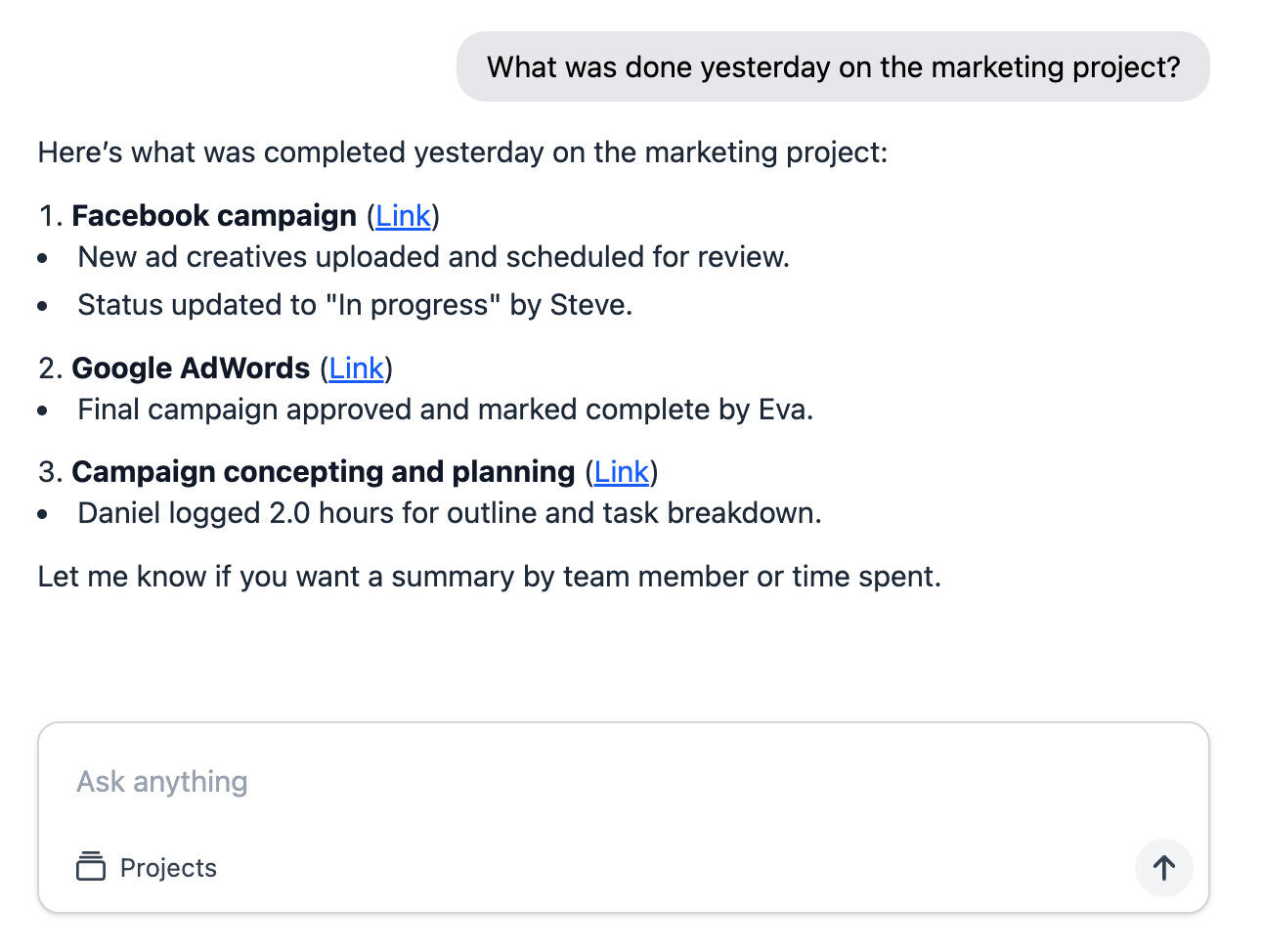
Because Breeze AI works where your pipeline lives, the outputs stay attached to the right deals instead of getting lost in separate AI tools. That keeps your pipeline tidy without expecting reps to invest more time in admin work, and it helps you spot patterns across deals without building a separate analytics project.
7. What should you do next with your sales pipeline?
The best next step for most teams is to build a simple pipeline board that mirrors how you already sell. Start with a handful of stages, such as new lead, qualified, proposal, and closed, and create one card per deal. Add due dates for follow-ups, a basic value field, and a short qualification checklist on each card.
Once the board reflects reality, you can experiment with saved views, tags, and Breeze AI to make it easier to run one on ones and forecast. If you already use a CRM, you might run the board in Breeze alongside it for a while so your team can compare the experience. Over time, you will see whether the simpler workflow could become your primary sales pipeline, or whether it is best as a complement to your existing stack.
A practical next step is to start with a simple pipeline in Breeze, then add a dedicated board for sales leads or a more detailed sales board as your volume grows. You can apply the same principles you use for your sales pipeline to other projects by building simple project plans in Breeze that mirror how work actually happens.
8. Questions and answers
- Can a Breeze board fully replace a CRM?
- For many small teams and early stage companies, a Breeze board is enough to manage the full sales pipeline, especially when you care more about visibility and follow-through than about advanced reporting. Larger organizations may still pair Breeze with a CRM for compliance or complex workflows.
- How many pipeline stages should we have?
- Most experts recommend five to seven stages, which is enough to reflect your real process without creating confusion. In Breeze, you can start with a simple set of stages and refine them over time as you learn where deals get stuck.
- Where should we store contracts, proposals, and assets?
- You can attach files directly to Breeze cards or link to shared folders or documents. The important part is that reps can open a deal card and find everything they need in one place instead of searching across inboxes and drives.
- Do small teams need a full CRM?
- Many small teams do not need a full CRM in the early stages. If your team only has a handful of active deals per rep and mostly needs visibility into follow-ups and handoffs, a Breeze pipeline is often enough. As deal volume, compliance requirements, or automation needs grow, you can pair Breeze with a CRM without losing the clarity of your existing boards.
- How does Breeze help with handoffs between sales and customer success?
- Breeze boards make handoffs easier because you can move a closed won card into a customer onboarding board or link it to a new project. That keeps context and expectations visible for account managers and onboarding specialists. Teams that care about ongoing client feedback can keep those insights attached to cards instead of buried in email threads.