Why choose Breeze
 Marketing
 Creative
 Sales
Sales Remote work
 Managers
 Product teams
 Project management
 Task management
 Kanban tool
 Time tracking
 Project reporting
 Project calendars
 Project timeline
 Team workload
 Project automation
 Project customization
 Chat
Chat Web forms
 Project roadmap
 AI
AI What's new
 Articles & guides
 Help center
 Mobile apps
 Integrations
 Developers & API
 Free tools
Why Jira is a bad fit for many non-technical teams

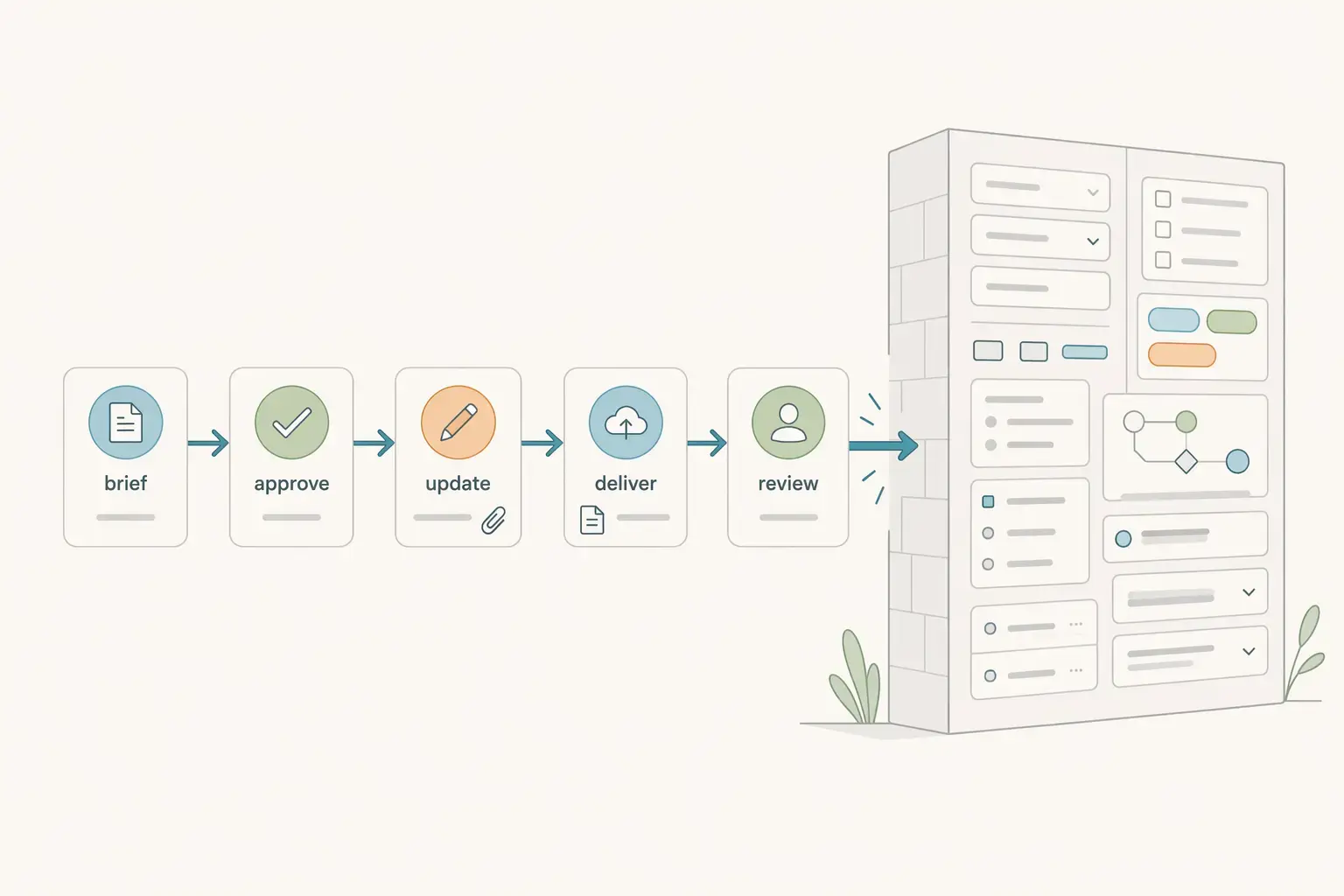
Jira is a bad fit for many non-technical teams when the work mainly needs simple handoffs, approvals, and weekly visibility rather than strict issue tracking. It is not bad software. It is just built around more structure, configuration, and process control than many marketing, operations, admin, and client-facing teams need to keep work moving.
That mismatch shows up fast in daily behavior. Tasks take too long to create, fields stop being trusted, and the real update still lives in Slack, email, or a meeting. For teams that mainly need a clear owner, a due date, the latest file, and an obvious next step, Jira can feel heavier than the job itself.
1. What is Jira actually good at?
Jira is good at structured work that benefits from clear issue types, defined workflows, and consistent reporting. If a team needs to move work through specific stages, enforce process rules, and measure progress across a large system, Jira makes sense.
That is also how Atlassian describes it. Its documentation centers Jira around workflows, and its business-space guides show templates for marketing, operations, HR, finance, legal, and sales teams.
In practice, Jira is strongest when the process is a real part of the work. A support team may need approvals and service categories. A product or compliance-heavy team may need linked work, auditability, and reporting consistency. If the workflow itself is important enough to design and maintain, Jira earns its complexity.
2. Where does Jira create friction for non-technical teams?
Jira creates friction for non-technical teams when the system asks for more structure than the work actually needs. The issue is usually not capability. The issue is upkeep. If the team mainly needs a clear owner, due date, file, and next step, Jira can add too many clicks around work that should stay simple.
That friction usually appears in a few predictable places. Different teams feel it in different ways, but the pattern is familiar: the tool is powerful on paper, then starts slowing down routine coordination in daily use.
Onboarding friction shows up first
The first problem is often basic participation. Occasional users have to learn statuses, issue types, fields, and project rules before they can make a normal update confidently. For a marketing coordinator, office manager, or operations teammate, that can make the tool feel harder than the work itself. If someone needs help just to update a routine task, the system is already too demanding for the workflow.
Admin dependency becomes a bottleneck
The second problem is admin dependency. Advanced setup often means one person understands how the project is configured and everyone else works around that person. A new field, a changed workflow, or a cleaner board view can turn into a request instead of a quick team adjustment. That slows down simple process changes and makes the board harder to trust over time.
Visibility gets worse when teams keep work elsewhere
The third problem is visibility. Once updates feel tedious, the real status starts living in Slack, email, meetings, or shared docs. Jira still exists, but it stops being the place people check first. At that point the team has two workflows - the official one in Jira and the real one happening somewhere else. That is usually the clearest sign the setup is too heavy.
Simple work starts taking too many clicks
The fourth problem is that lightweight coordination begins to carry system overhead. A straightforward approval, asset change, or client handoff can turn into fields, transitions, permissions, and follow-up cleanup. For teams handling recurring business work, speed and clarity usually matter more than modeling every edge case. If the process has become more elaborate than the work, Jira is solving the wrong problem.
| Area | Jira | Lighter board like Breeze | What changes in practice |
|---|---|---|---|
| Setup effort | Higher. Needs workflow, field, and status decisions upfront. | Lower. A team can usually start with a short workflow and adjust as it goes. | Jira rewards process design. A lighter board rewards fast adoption. |
| Onboarding | Harder for occasional users and mixed business teams. | Easier when people just need to see owners, dates, comments, and files. | More people participate without needing a walkthrough. |
| Workflow control | Stronger for detailed rules, transitions, and structured processes. | Better suited to simple or moderately structured coordination. | Jira gives more control, but asks more from the team. |
| Reporting and consistency | Stronger when teams actually keep data complete and current. | Better for straightforward weekly visibility. | The practical issue is not capability - it is upkeep. |
| Day-to-day coordination | Can feel heavy for simple approvals, handoffs, and updates. | Usually easier to keep accurate during routine work. | A simpler board often wins because people actually keep using it. |
Table takeaway: Jira wins on control. A lighter board usually wins on day-to-day adoption.
Practical takeaway: For many non-technical teams, Jira does not fail because it lacks features. It fails because simple work starts carrying too much process overhead.
3. When is Jira a bad fit for many non-technical teams?
Jira is a bad fit when the team needs simple coordination more than formal issue management. The clearest warning sign is not just that people complain about the interface. It is that they stop relying on the system as the place where work actually moves.
For many non-technical teams, the right question is not whether Jira can support the workflow. It usually can. The right question is whether the team needs enough structure to justify the ongoing admin, training, and maintenance cost.
Jira is probably too much for your team if most work only needs:
- one owner
- one due date
- simple review or approval steps
- a clear weekly status view
Teams that benefit from Jira's structure
Jira still makes sense for teams with real process complexity. That includes groups that rely on workflow rules, linked work, auditability, service categories, or consistent reporting across many moving parts. Internal service teams, compliance-heavy operations, or business teams working closely with engineering may genuinely need that level of structure.
Teams that often end up working around Jira
Mixed business teams often land in the middle. Marketing, operations, HR, and administrative teams can absolutely use Jira, and Atlassian provides templates for those use cases. But many of these teams only use a small slice of the platform while still carrying the learning curve and admin burden of the whole system. The same trap catches Asana with small teams, for the same reason. That is when people start sharing the real update in chat, attaching the real file somewhere else, and treating Jira as something to clean up later.
Signs the setup no longer matches the work
The mismatch becomes obvious when normal tasks need extra explanation, new teammates need a tour before they can participate, or weekly status still has to be stitched together manually. Wellingtone's 2025 State of Project Management report says 42% of respondents spend one day or more manually collating project reports. If a team is paying both the overhead of a structured system and the cost of status chasing by hand, the extra complexity is not returning enough value.
That is usually the real decision point. If the workflow depends on control, Jira earns its place. If the workflow depends on fast participation, clear ownership, and low-friction updates, a lighter system is often the better fit.
4. What should non-technical teams use instead of Jira?
Non-technical teams should usually use the lightest tool that keeps work visible, current, and easy to update. The point is not to find the most flexible platform. The point is to find the simplest system the team will actually keep accurate.
The best alternative depends on the kind of work the team does every week. Choosing by use case is usually much more useful than choosing by brand popularity.
Better for lightweight shared visibility
If the team mainly needs a shared board, one owner per task, due dates, comments, and attached files, a lighter board is usually enough. This is the best fit for teams that want everyone participating without much training. Breeze fits naturally in this bucket because it keeps routine coordination readable without requiring a complex setup first.
Better for marketing and content approvals
Marketing teams usually need draft, review, approval, and publish stages with files and comments attached to the work. Jira can support that, but many content teams move faster in simpler systems because they repeat the same workflow every week and need quick updates more than configurable process depth.
Better for client work and operations handoffs
Client-facing and operations teams often care most about visible queues, deadlines, ownership, and handoffs. They usually benefit from tools that stay readable at a glance, especially when many teammates update the system casually rather than as a formal process discipline. That is one reason lighter tools often work better than issue-driven systems for everyday business coordination.
Better to stay on Jira when the process itself matters
Stay on Jira when workflow rules, linked work, auditability, or consistent reporting across departments are genuinely central to the job. If you already have power users, admin support, and a real reason to maintain structured process logic, switching to something lighter may remove value instead of friction.
The practical rule is simple: choose Jira when control and process consistency are the point. Choose a lighter board when fast visibility, easier onboarding, and daily adoption matter more.
If your team is already questioning whether the current setup is too heavy, this overkill test and this look at simple project management in practice both help frame the same decision from the workflow side rather than the feature side.
5. What do reviews and outside sources commonly say about Jira?
Outside feedback on Jira tends to be consistent. People respect how much it can do, but they also describe a tool that asks for structure, upkeep, and admin involvement before it feels smooth.
On TrustRadius, Jira Work Management gets praise for flexibility, repeatable workflows, and integration depth. The complaints are also familiar: manual updates, admin-led limitations, setup that becomes complicated, and visibility problems when teams do not keep the system current.
Atlassian's own documentation points to the same tradeoff from the other side. Its guides for business teams show that Jira can support marketing, HR, finance, legal, and operations workflows, but the model still depends on work types, workflows, statuses, fields, and administration. That makes Jira flexible. It also makes it easier to overbuild a process that only needed a shared board.
The practical pattern is straightforward: Jira often looks strong during evaluation because it can model almost anything. The real question comes a few weeks later, when the team has to keep that model accurate during ordinary work. That is where many non-technical teams decide they want less system and more clarity, the recurring theme in these lessons from helping non-technical teams organize work.
6. Questions teams ask before choosing Jira
- Is Jira only for software teams?
- No. Atlassian clearly supports business teams in Jira, including marketing, operations, HR, finance, legal, and sales. The better question is whether your team needs Jira's level of structure and configuration.
- Can Jira work for a non-technical team?
- Yes, but working is not the same as fitting well. Jira can support non-technical workflows, yet many non-technical teams still find it too heavy when they mainly need quick updates, approvals, and handoffs.
- Why do non-technical teams stop updating Jira?
- They usually stop when updating the tool feels harder than sharing the update in chat. Once that happens, Jira stops being the source of truth and becomes a record people fix later.
- What should a non-technical team use instead of Jira?
- Use a lighter board if your team mainly needs clear ownership, due dates, files, comments, and visible next steps. Keep Jira only if you truly rely on deeper workflow rules, stronger controls, or heavier reporting.
7. Final verdict
Jira is a bad fit for many non-technical teams not because it is weak, but because it often solves a more structured problem than they actually have. It works best when the process itself needs rules, controls, and reporting discipline. It works much less well when the team mainly needs a clean, shared view of what is moving, what is blocked, and who owns the next step.
The best test is simple. Take one live workflow - campaign approvals, office operations, or client delivery - and ask whether the team really needs issue types, custom fields, and workflow logic to keep it moving. If the answer is no, Jira is probably adding more system than value.
For many non-technical teams, the better choice is not a tool with fewer features. It is a tool with fewer decisions between the work and the update.