Why choose Breeze
 Marketing
 Creative
 Sales
Sales Remote work
 Managers
 Product teams
 Project management
 Task management
 Kanban tool
 Time tracking
 Project reporting
 Project calendars
 Project timeline
 Team workload
 Project automation
 Project customization
 Chat
Chat Web forms
 Project roadmap
 AI
AI What's new
 Articles & guides
 Help center
 Mobile apps
 Integrations
 Developers & API
 Free tools
Better tag management and sorted tags everywhere

Tags work best when they stay easy to manage and predictable everywhere you use them. That is the idea behind this update. We refreshed the tag management page, added better sorting controls, and made sure the same saved order now carries through the main places where tags appear in Breeze. If your team uses tags heavily for organizing work, filtering tasks, or highlighting priorities, this should make the whole workflow feel a lot more consistent.
1. Better tag management
The tag management page has a cleaner layout that makes it easier to scan and update your tags in one place. You can add new tags quickly, rename existing ones inline, update colors, and manage where each tag is available across your projects without bouncing through multiple screens.
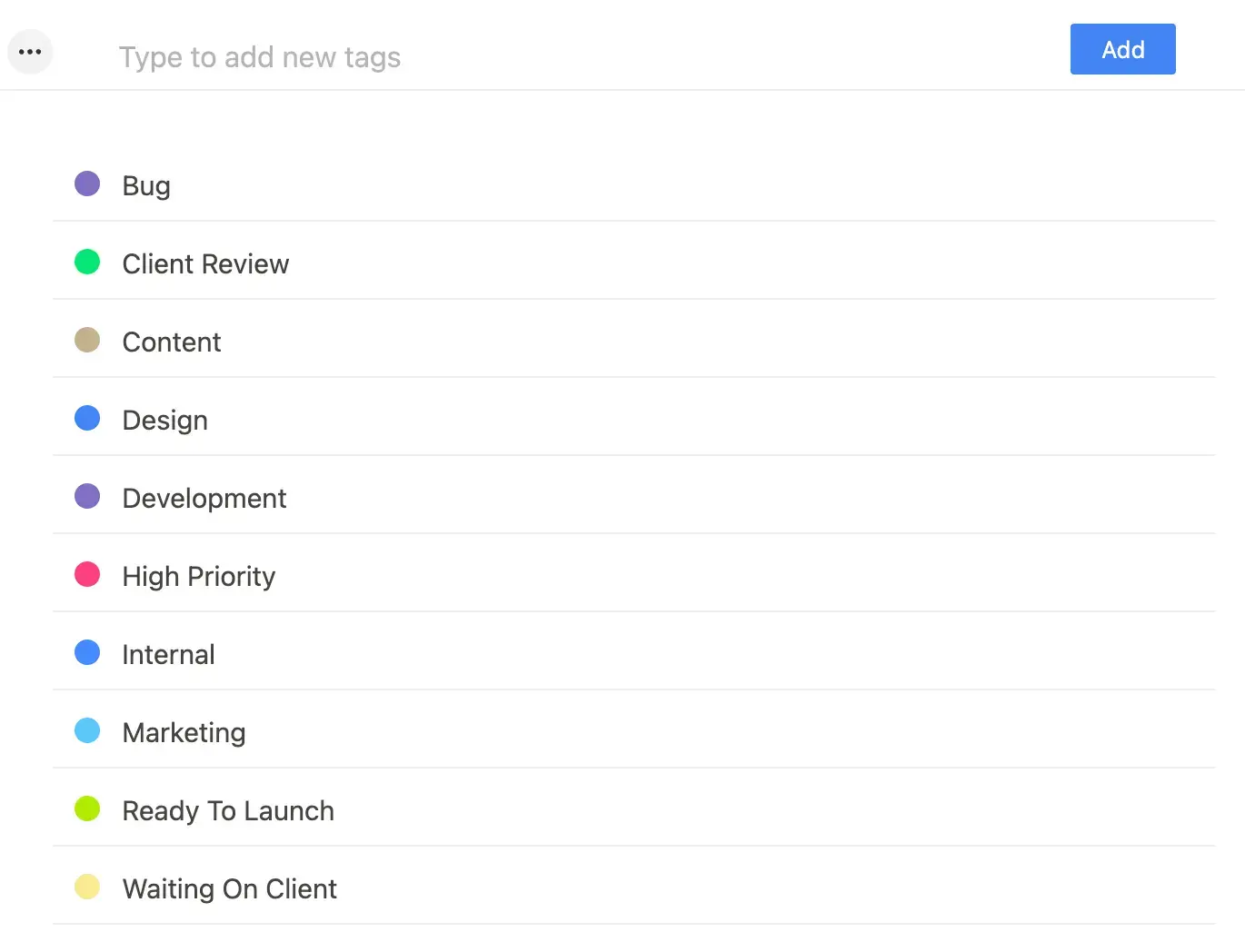
The goal here was not to reinvent tagging. It was to make the existing workflow smoother. The updated layout puts the most common actions closer together and makes the page easier to read when your workspace has a long list of tags.
Why this helps
Once a team starts using tags seriously, small bits of friction add up. A cleaner management view makes it faster to keep tags organized, avoid clutter, and make changes without breaking your flow.
2. Sort tags alphabetically or manually
You can now choose how tags are ordered on the tags page. If you want a simple default, sort them alphabetically. If your team has a preferred workflow, switch to manual sorting and drag tags into the exact order you want.

That manual order is saved for the workspace, so everyone sees the same structure. New tags are added to the end of the saved order, and deleted tags are removed from it automatically, which keeps the list tidy without extra cleanup.
Why this helps
Alphabetical sorting is useful when you want something predictable. Manual sorting is better when your team has a natural order, like priority, department, client type, or workflow stage. Having both options makes tag management more flexible without adding complexity.
3. The same tag order now shows up across Breeze
This update is not limited to the tags page. The saved tag order now carries into the main places where you use tags in Breeze, including tag pickers, dropdowns, filters, and the visible tag labels on cards and dashboards. That means you no longer manage tags one way in settings and then see them appear in a different order somewhere else.

The result is a more consistent experience across the app. Whether you are assigning tags to a task, scanning a dashboard, or filtering work by tag, the order stays familiar and easier to follow.
Why this helps
Consistency matters, especially for teams with a lot of tags. When the same order shows up everywhere, you spend less time hunting through lists and more time acting on the information those tags represent.
This is a small update on the surface, but it removes a lot of everyday friction for teams that rely on tags to organize work. Better tag management, flexible sorting, and consistent ordering across Breeze should make tagging feel cleaner, faster, and more dependable.