Why choose Breeze
 Marketing
 Creative
 Sales
Sales Remote work
 Managers
 Product teams
 Project management
 Task management
 Kanban tool
 Time tracking
 Project reporting
 Project calendars
 Project timeline
 Team workload
 Project automation
 Project customization
 Chat
Chat Web forms
 Project roadmap
 AI
AI What's new
 Articles & guides
 Help center
 Mobile apps
 Integrations
 Developers & API
 Free tools
monday.com pricing: what each plan costs a small team

monday.com's paid plans start at $9 per seat per month when billed yearly, or $12 billed monthly. Seats are sold in fixed groups starting at three, and new paid accounts include a required monthly AI credit bundle. The Free plan covers two people, and Enterprise pricing is quoted.
For a team of four, that means paying for five seats. On Standard billed yearly, the bill is $60 a month or $720 a year, which is $15 for each person who actually uses it. The credit bundle is discounted to $0 for accounts of up to 15 seats and added to the bill from 20 seats.

Disclosure: We make Breeze, a project management tool billed per user, which is compared with monday.com below.
Contents
- Plans and seat prices
- Seat groups and guests
- What each plan unlocks
- AI credits on new accounts
- The yearly bill for 5, 10 and 25 people
- Monthly or yearly billing
- When per-user pricing costs less
- What switching gives up
- Picking a plan
How much does monday.com cost per month?
Basic starts at $9 per seat a month on a yearly plan, Standard is $12 and Pro is $19. Monthly billing raises those to $12, $14 and $24. The figures below are from the monday.com pricing page for the work platform, the main monday.com product; CRM, dev and service are priced separately.
| Plan | Per seat, billed yearly | Per seat, billed monthly | AI credits a month |
|---|---|---|---|
| Free | $0, up to 2 seats | $0 | None |
| Basic | $9 | $12 | 1,000 |
| Standard | $12 | $14 | 2,000 |
| Pro | $19 | $24 | 3,000 |
| Enterprise | Quoted | Quoted | Custom |
monday.com describes yearly billing as an 18% saving. Per seat, the real gap is $3 on Basic, $2 on Standard and $5 on Pro, so Standard is the plan where paying a year upfront saves the least. Prices exclude tax and depend on your billing country.
The Free plan is narrower than its price suggests: two seats, three boards, 200 items across the whole account, no guests, no automations and no AI. It works for one or two people testing a board, not for a team running projects. Every new account starts with a 14-day trial of Pro, then picks a paid plan or drops to Free.
Why does a team of four pay for five seats?
Because monday.com sells seats in groups, not one at a time. Its seat group pricing starts at 3 seats and then steps up in fives: 5, 10, 15, 20 and so on. A team of four buys 5 seats, a team of six buys 10 and a team of eleven buys 15.
The empty seats cost the full rate. Four people on Standard pay $60 a month for five seats on yearly billing, or $15 per real user. Seven people on Standard pay for ten, $1,440 a year, where the same $12 rate charged per person would come to $1,008.
Guests can push a team into a larger seat group as well. Under the guest billing rules, every four guests on Standard count as one billed seat. A four-person team with five seats has room for seven guests. The eighth guest makes it six seats, and monday.com moves the account to the 10-seat tier automatically, which doubles the bill. Basic has no guest access at all, while Pro and Enterprise allow unlimited guests.
Going the other way is harder. Checkout will not offer fewer seats than you have active users, so dropping to a smaller seat group means deactivating people first. On a yearly plan, cancelling within 30 days returns the unused balance, but after that a downgrade brings no refund. A team that expects a contractor to leave mid-year should not size the yearly plan around them.
What do you have to upgrade to Standard or Pro for?
Most teams move up for one or two features, not for the plan as a whole. Standard is the first plan with timeline and Gantt views, a calendar, guest access and automations. Pro adds time tracking, task dependencies, private boards and the workload view.
- Basic: unlimited boards and items, free read-only viewers, a Kanban view, 5 GB of storage and dashboards that read one board each. No automations, integrations or guests.
- Standard: timeline, Gantt and calendar views, guests at four per billed seat, 250 automation actions and 250 integration actions a month, dashboards across 5 boards and 20 GB of storage.
- Pro: time tracking, the dependency column, the workload view, private boards and docs, unlimited guests, 25,000 automation and integration actions a month, dashboards across 20 boards and 100 GB. Gantt milestones and the critical path also start here.
- Enterprise: single sign-on, HIPAA compliance, SCIM provisioning, an audit log, portfolio and resource planning, 250,000 actions a month and a 12-month minimum term.
Two gates matter most for small teams. Time tracking is a Pro feature, so a team that only wants hours on its tasks pays $19 a seat instead of $12. And Standard's 250 automation actions a month is a modest allowance for a busy board. If automations are the reason for upgrading, compare that number with how often your rules would fire; Pro raises it to 25,000 for $7 more per seat on yearly billing.
Do new monday.com accounts have to buy AI credits?
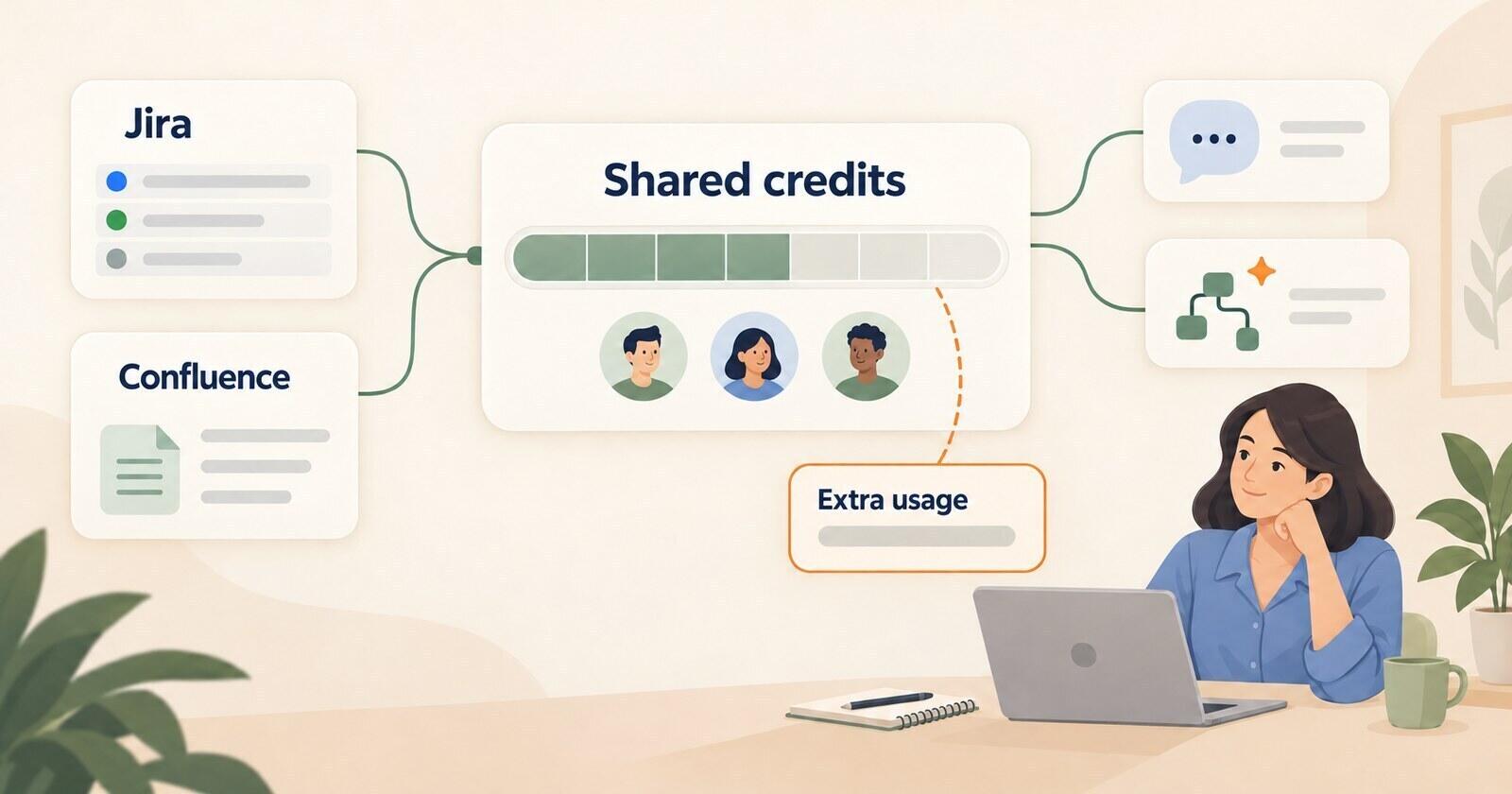
Yes. Accounts that joined the work platform on or after May 6, 2026 buy a monthly AI credit bundle together with their seats: 1,000 credits on Basic, 2,000 on Standard and 3,000 on Pro. The Free plan has no AI features, and accounts opened before that date are outside the rule.
The minimum bundle is listed at $10, $20 or $30 a month, depending on the plan. A current offer cancels that charge, but only for smaller accounts. Up to 15 seats, the totals on both monthly and yearly billing include no charge for credits. From 20 seats there is no discount, and on yearly billing the bundle adds $10 a month on Basic, $20 on Standard and $30 on Pro.
The offer has no published end date, so plan for the list price too. For a 10-person Standard team, that is $240 a year. The bundle is shared by the whole account rather than given to each person, and larger bundles are available on Standard and Pro. Consumption per feature and the bigger bundles are covered in detail under AI credit allowances; for budgeting, the point is that credits are now a line on every new invoice.
What does monday.com cost a year for 5, 10 or 25 people?
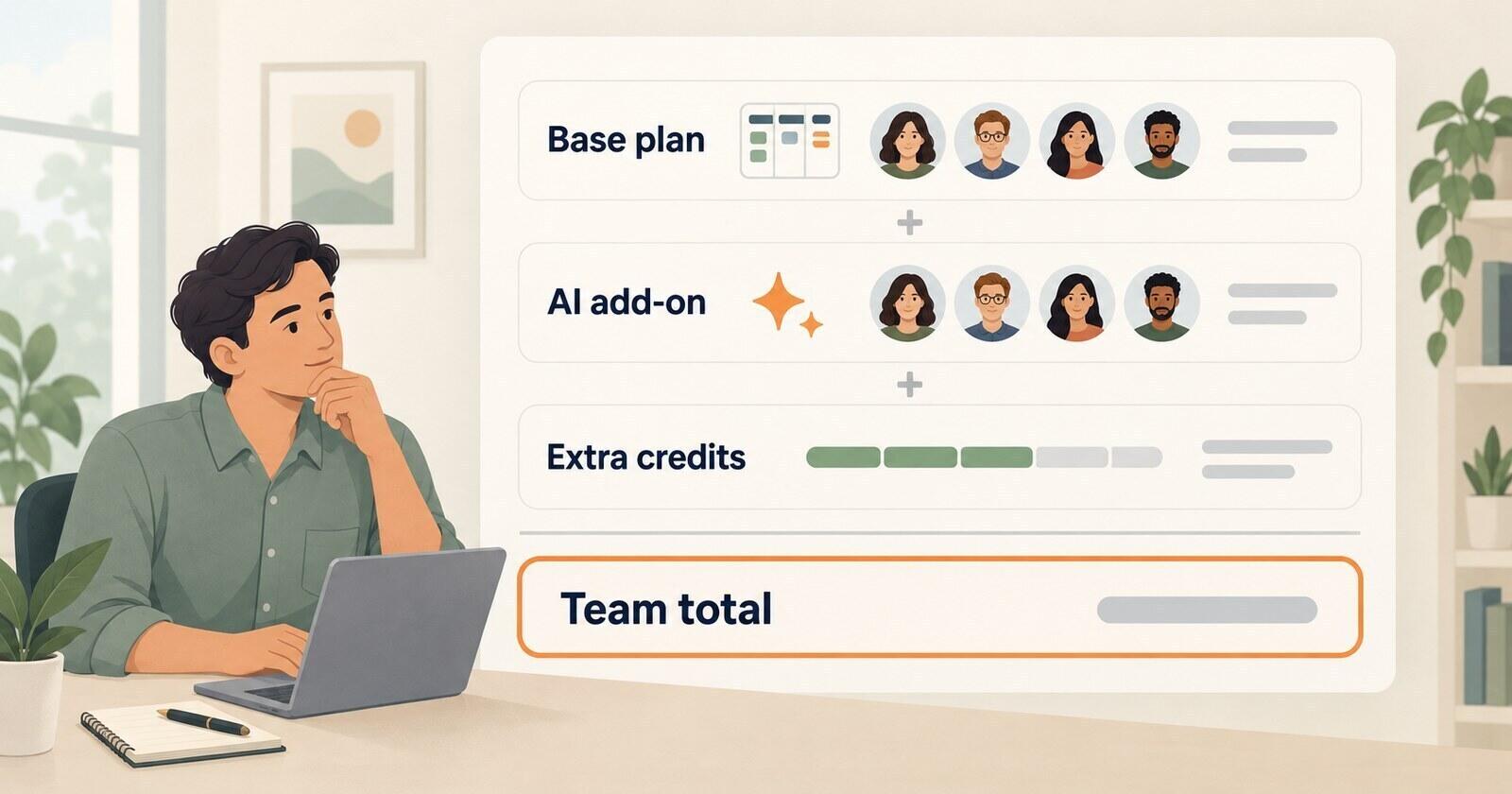
On yearly billing, a 5-person team pays $540 to $1,140 a year depending on the plan, a 10-person team $1,080 to $2,280 and a 25-person team $2,820 to $6,060. These are the totals monday.com shows today, with the credit offer applied where it exists, before tax. Breeze, billed per user with every feature included, is in the last row for comparison.
| Plan, billed yearly | 5 people | 10 people | 25 people |
|---|---|---|---|
| monday.com Basic | $540 | $1,080 | $2,820 |
| monday.com Standard | $720 | $1,440 | $3,840 |
| monday.com Pro | $1,140 | $2,280 | $6,060 |
| Breeze | $540 | $1,080 | $2,700 |
The 25-person column includes the credit bundle at list price, because the offer stops at 15 seats. That creates a step of its own. Growing from 15 to 16 people on Standard moves the yearly-billed total from $180 to $260 a month: $60 for five more seats and $20 for credits.
Teams whose size falls between the available seat groups pay for the next group up. Four people pay the 5-person prices above, and twelve people pay for 15 seats: $1,620 a year on Basic, $2,160 on Standard and $3,420 on Pro, against $1,296 for twelve Breeze users.
For the 5- and 10-person columns, add $120, $240 or $360 a year on Basic, Standard and Pro if the credit offer ends. That is the full list price of the minimum bundle, and it does not change with the number of seats.
Should you pay monthly or yearly?
Pay monthly until you are sure about the plan, then switch to yearly. Five Standard seats cost $70 a month on monthly billing, $840 over a year, against $60 a month and $720 a year on a yearly plan.
A yearly plan is paid upfront in one payment, and only the first 30 days are refundable. That makes the wrong plan the expensive mistake, not the monthly premium. Two months of monthly billing on Standard cost a five-seat team $20 more than the yearly rate. A year on Pro that the team did not need costs $420 more than Standard.
Use the 14-day Pro trial to see which Pro features people actually open. If nobody touches time tracking, dependencies or the workload view in two weeks, Standard is probably the right plan. From 20 seats, monthly billing also adds a charge for the credit bundle.
When does a per-user tool cost less than monday.com?
When your team has to buy more seats than it needs, or when the feature you need is on Standard or Pro. At exactly 3, 5, 10 or 15 people, monday.com Basic costs the same as a tool charging $9 per user. The gap opens in the other cases.
Breeze is one example. It costs $9 per user per month billed yearly, or $10 billed monthly, with every feature included, and you pay for the people you add rather than for a fixed group of seats. A four-person team pays $36 a month on yearly billing, $432 a year, against $540 for monday.com Basic and $720 for Standard. Clients join as client users at no charge, so outside reviewers do not add to the bill.
The larger difference is what the base price includes. The features teams upgrade monday.com for are part of the one Breeze plan: a calendar and project timeline, time tracking on tasks, task dependencies, automations, web forms and a team workload view. Gantt charts come through Ganttile, a companion app that signs in with the same account and syncs the same tasks.
In practice, each project is a board, its lists are the stages of the work, and each card is a task with an owner, a due date, a checklist, comments and logged time. A four-person team would run its work in a setup like the sample board below without paying for a higher tier.

Take a sample case: a four-person marketing team running a website refresh with one outside client who reviews the pages. On monday.com, the plan with a calendar, client guests and automations is Standard, $720 a year for five seats, and adding time tracking means Pro at $1,140. On Breeze, the same team pays $432 a year, adds the client as a client user and logs time on each task. The side-by-side comparison goes through the rest of the differences.
Breeze is not always cheaper. One or two people pay nothing on monday.com Free if three boards and 200 items are enough, while Breeze has a 14-day trial and a $14 a month Solo plan rather than a free tier. And when the team fills every paid seat, a team that is happy on monday.com Basic pays the same as it would on Breeze.
What would a team give up by leaving monday.com?
Flexibility, mostly. monday.com is a configurable work platform, and a simpler project tool trades some of that away. Check which of these your team relies on before moving:
- Boards as databases: monday.com boards take more than 20 column types, formulas and dashboards that combine up to 20 boards on Pro. Breeze has custom fields and reports, but it is a project tool, not a database builder.
- The AI tools: monday.com's agents, meeting notetaker and vibe app builder have no equivalent in Breeze. Breeze AI answers questions about your projects and the Breeze MCP server connects outside assistants, but neither takes meeting notes or builds apps.
- Automation volume: Pro's 25,000 automation and integration actions a month cover more ground than Breeze's automation rules, which handle assignments, tags, statuses, due dates, archiving and turning emails into tasks.
- Enterprise controls: SAML single sign-on, SCIM provisioning and HIPAA compliance are monday.com Enterprise features. Breeze offers two-factor authentication and sign-in with Google or Apple.
- The rest of the suite: monday CRM, dev and service run on the same platform. Breeze is a project management tool, not a CRM or an ERP.
- Some of the data: the monday.com import brings lists, tasks, descriptions, due dates, assignees, custom fields, comments, subtasks and time tracking. Tags do not come across, and files stay behind because monday.com's file links expire.
If your team depends on a feature a replacement cannot provide, staying on monday.com may be the better choice. If the board mostly answers who owns what and when it is due, the cheaper setup does the same job. Other replacements, including tools closer to monday.com's flexibility, are compared in our list of alternatives.
Which monday.com plan should a small team pick?
Standard is the right default for most small teams, as long as the team uses most of the seats it pays for and guests stay within the four-per-seat rule. The others fit narrower cases:
- Free: one or two people with up to three boards and no need for automations.
- Basic: a team that only needs a shared board, has no outside guests and lands exactly on 3, 5, 10 or 15 people.
- Standard: teams that plan by date, share boards with clients or want a handful of automations.
- Pro: teams that use time tracking, dependencies, private boards or heavy automation every week.
- A per-user tool: teams that would pay for unused seats, or that would upgrade only for one or two features.
Price the plan on the seats you will actually buy, add the credit bundle at list price, and compare that with what the team uses each week. That figure, not the per-seat headline, is what monday.com costs.