Why choose Breeze
 Marketing
 Creative
 Sales
Sales Remote work
 Managers
 Product teams
 Project management
 Task management
 Kanban tool
 Time tracking
 Project reporting
 Project calendars
 Project timeline
 Team workload
 Project automation
 Project customization
 Chat
Chat Web forms
 Project roadmap
 AI
AI What's new
 Articles & guides
 Help center
 Mobile apps
 Integrations
 Developers & API
 Free tools
ClickUp Brain pricing in 2026: add-on prices and team costs

For Workspaces using ClickUp's AI add-on model, Brain AI costs $9 per user per month and Everything AI $28, billed yearly. The add-on applies to every member and sits on top of the base plan. Extra credits can add to the bill.
On Business, a ten-person team pays $2,520 a year with Brain AI or $4,800 with Everything AI, before extra credits. Compare that full bill with the workflows the team needs, rather than judging the add-on by one seat.

Disclosure: We make Breeze, which is included below as a project management alternative.
Contents
- AI add-on prices
- Base plans and trial access
- Assistant use versus agents
- Credit use and spending controls
- The annual bill for ten people
- Other AI billing models
- When the add-on is worth buying
How much do the Brain AI and Everything AI add-ons cost?
Brain AI costs $9 per user per month and Everything AI $28 on annual billing. Both are purchased per Workspace: a ten-member Workspace needs ten add-on seats, even if only three people use the AI.
Monthly figures differ between ClickUp's public pricing pages. The main pricing page lists $14 for Brain AI and $33 for Everything AI; the Brain pricing page shows $18 and $68. The annual figures agree, so the team comparisons below use annual billing.
| Add-on | Price billed yearly | Credits per user per month | What is unlimited |
|---|---|---|---|
| Brain AI | $9 per user/month | 1,500 | Brain assistant, @Brain, AI writing, summaries, web search, Brain MAX apps, with standard models; premium models on a shared allowance |
| Everything AI | $28 per user/month | 5,000 | Everything in Brain AI, plus AI Fields, AI Cards, Assign and Prioritize, Ambient Answers, Autopilot Agents, image generation, AI Notetaker and time blocking |
The difference between the tiers is less about the chat and more about what is metered. On Brain AI, the 1,500 credits have to cover Super Agents and every automatic feature. On Everything AI, most of those features become unlimited under fair use and the 5,000 credits go to Super Agents alone. Everything AI also folds in the AI Notetaker, which is otherwise a separate add-on from $12 a month for 60 hours, and talk-to-text, otherwise $9 per user per month.
Add-ons follow the billing cycle of the plan. Add one halfway through a yearly term and ClickUp prorates it; cancel it and the add-on runs to the end of the cycle. There is no trial of the add-on beyond the AI trial every Workspace already has.
Which ClickUp plans include Brain?
On the Free Forever, Unlimited and Business pricing model, ongoing Brain access requires a paid add-on. The ClickUp pricing page lists the base plans below. Free Forever must upgrade before buying an add-on. Some Workspaces see a different plan structure with more AI included; these figures apply to the add-on model.
| Plan | Seat price | AI without an add-on |
|---|---|---|
| Free Forever | $0 | Trial only: 25 Brain uses and 500 credits per Workspace, no reset; cannot buy an add-on |
| Unlimited | $7 per user/month billed yearly, $10 monthly | Trial only: 50 Brain uses per Workspace and 1,000 credits per user, no reset |
| Business | $12 per user/month billed yearly, $19 monthly | Same trial as Unlimited |
| Enterprise | Custom | Trial only: 100 Brain uses per Workspace and 1,000 credits per user, no reset |
These trial sizes apply to Workspaces of up to ten people; larger Workspaces receive a larger allowance. Trial balances do not reset. Track feature use and credit consumption during the trial to estimate the paid allowance you need.
What is ClickUp Brain, and what is Brain MAX?
Brain is ClickUp's assistant: a chat you can ask about tasks and docs, an @Brain mention that answers inside comments, and the writing, summarising and search features spread across the product. Brain MAX is the desktop app and Chrome extension for the same assistant. Both are part of the Brain AI add-on rather than separate purchases.
The second half of the picture is the automatic AI: Super Agents that run multi-step work on a trigger, Autopilot Agents on a Space or List, AI Fields, AI Cards, AI Assign and Prioritize, and image generation. These are the features that consume AI credits. ClickUp's help centre is explicit that Brain itself does not consume credits; it runs on a separate, workspace-wide allowance of premium model usage that drops back to a standard model when it is used up.
Every Workspace, including Free Forever, gets a trial of the lot. The trial is measured in uses and in credits, and neither count resets. Once it is spent, the automatic features pause until a paid plan buys an add-on.
How do ClickUp's AI credits work?
A credit costs $0.001, sold in $10 packs of 10,000. The included allowance is shared across the Workspace, renews monthly and does not roll over. ClickUp publishes rough consumption figures, and they are the numbers to budget with:
- AI Fields, AI Assign, AI Prioritize, tasks from chat: about 10 credits per use.
- AI Cards: about 20 credits per use.
- Image generation: about 100 credits per image.
- Autopilot Agents and Super Agents: 100 to 300 credits per run, and every run counts, including one where the agent only returns an answer and takes no action.
Agent frequency is the key budgeting variable. At 100 to 300 credits per run, a 1,500-credit allowance covers five to fifteen runs. A ten-person Brain AI Workspace pools 15,000 credits, enough for about 50 to 150 runs if no other feature uses the balance.
Measure how often the agent triggers as well as what each run consumes. An agent that watches a busy channel can use more credits than one called only when a person needs help.
Admins get banners at 80%, 90% and 100% of usage. Just past 100%, the credit-consuming features stop until the next renewal unless someone buys a pack, and the usage page offers an overage-protection toggle that tops up by $10 a month and bumps the pack size at the next renewal. Leave it off if you want the hard stop; turn it on if an agent is doing work someone would otherwise have to pick up by hand.
What does a ten-person team pay per year?
Yearly billing, list prices, no tax. The first row is the price most comparison pages quote; the rest are what the team pays once it wants the AI it was shown in the trial.
| Setup | Seats per year | Add-on per year | Total per year | Credits per month |
|---|---|---|---|---|
| Unlimited, no AI add-on | $840 | $0 | $840 | Trial balance only |
| Unlimited with Brain AI | $840 | $1,080 | $1,920 | 15,000 pooled |
| Business with Brain AI | $1,440 | $1,080 | $2,520 | 15,000 pooled |
| Business with Everything AI | $1,440 | $3,360 | $4,800 | 50,000 pooled |
On Unlimited, the Brain AI add-on costs more than the base plan. On Business, it adds 75% to the seat bill. Each extra 10,000 credits costs $10, so compare the subscription and expected usage separately.
The ten-person Brain AI subscription adds $1,080 a year before extra credits. Include that Workspace-wide cost when deciding whether one useful agent justifies the purchase.
What do the other tools charge for AI?
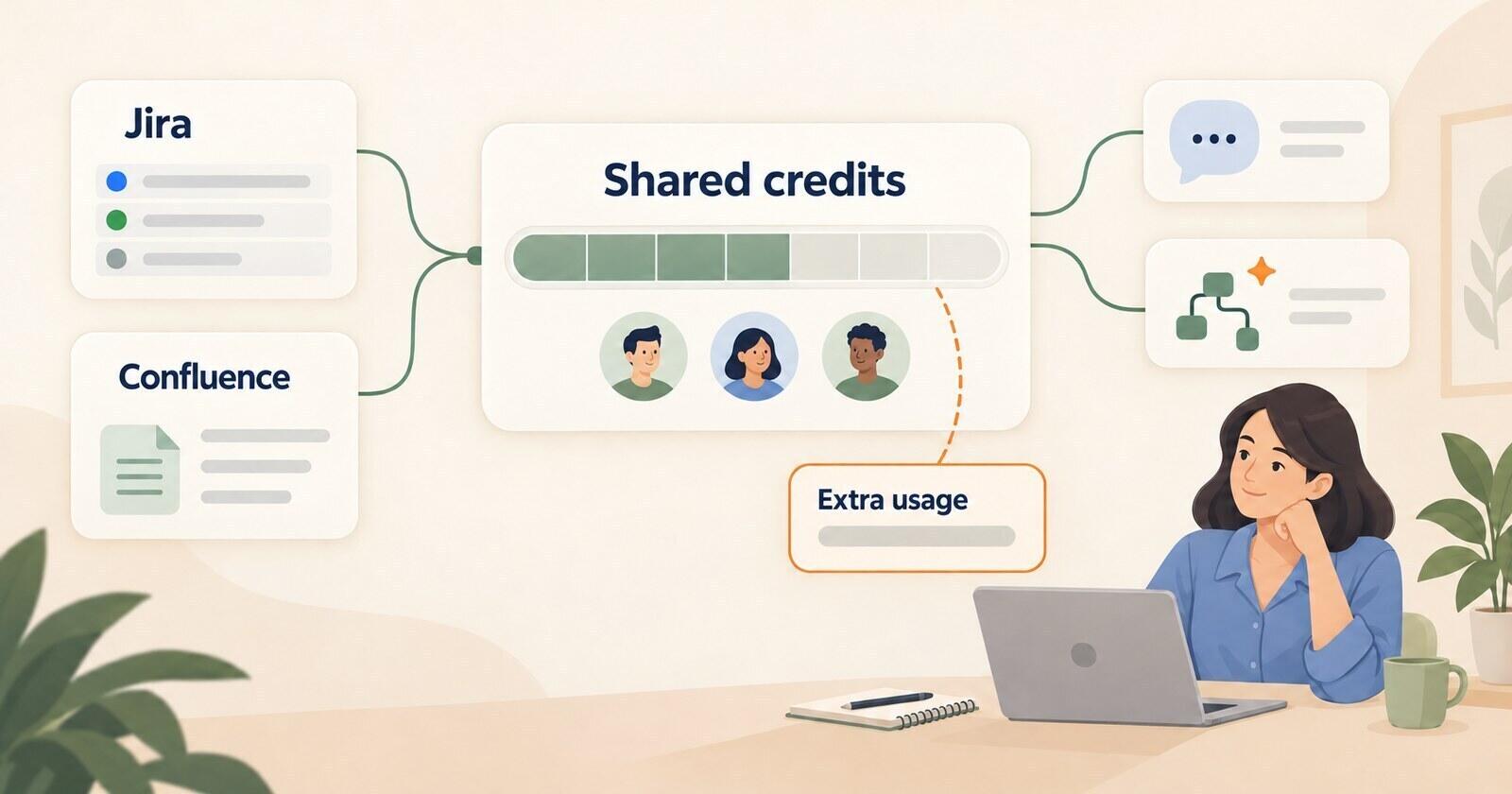
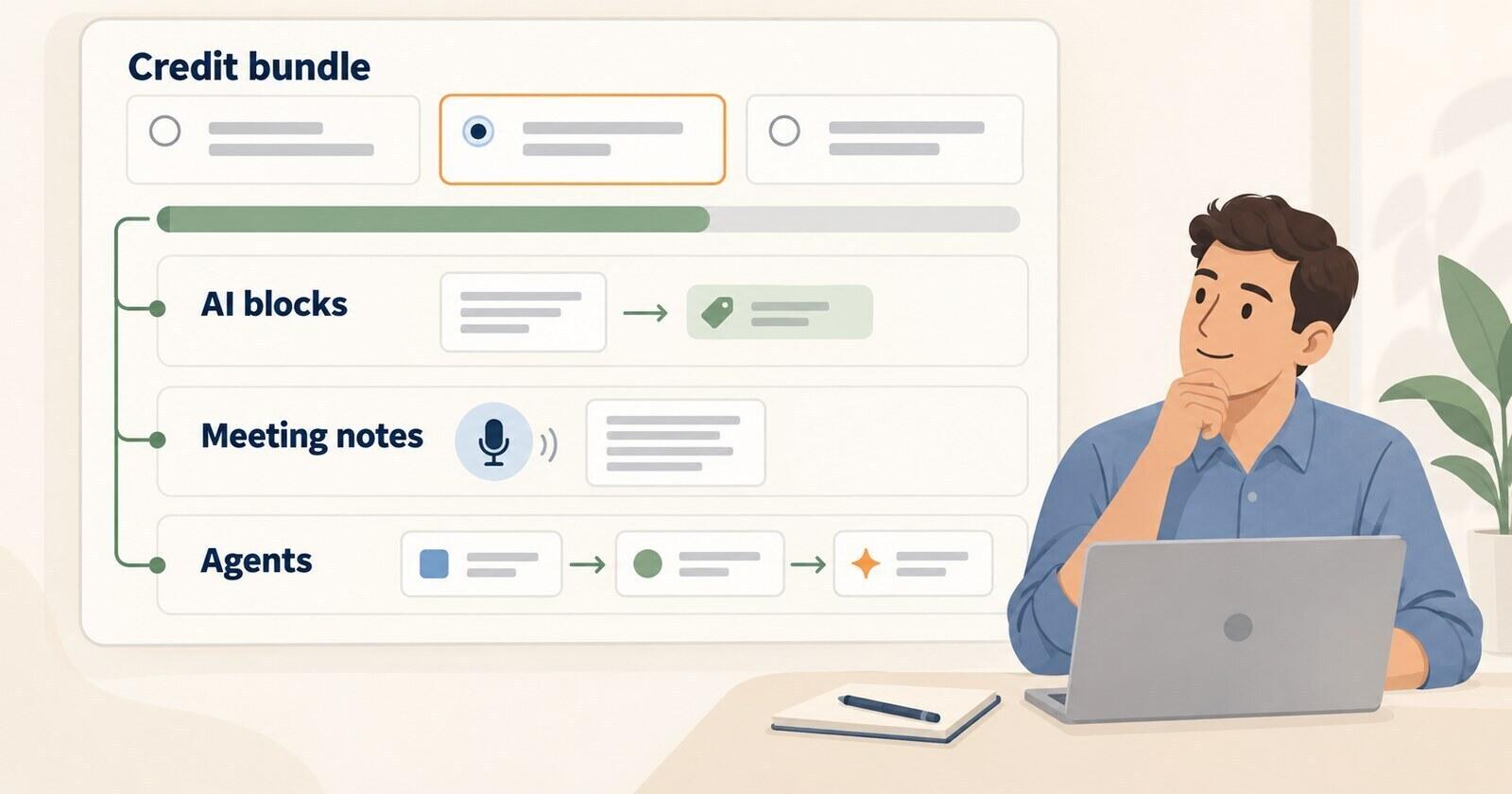
The three tools use different billing models. Atlassian includes a pooled Rovo allowance in paid Jira and Confluence plans and bills extra usage from December. The Rovo credit model gives a ten-person Jira Standard team enough credits for 25 basic chat messages a month. New monday work platform accounts buy a monthly AI credit bundle alongside seats. Compare the cost of the same workload, because the credit units are not interchangeable.
The broader comparison of AI project management tools covers the product differences beyond billing.
Should you pay for Brain, or move the work somewhere simpler?
Buy the add-on when a measured workflow justifies its cost for the whole Workspace. Use the trial to estimate the time saved, the features required and the credits consumed. A useful result from one agent does not automatically justify an add-on for every seat.
- Buy Brain AI if: the team mostly wants the assistant and a couple of light agents, and ten people's 15,000 credits cover the runs you measured in the trial.
- Buy Everything AI if: you would otherwise buy the Notetaker and talk-to-text separately, or you rely on AI Fields and Autopilot Agents heavily enough that metering them is a nuisance. Compare the full annual cost with buying only the features you need.
- Stay on the bare plan if: nobody can name the workflow the AI will take over. Use the trial to test a defined workflow before committing.
- Look elsewhere if: the seat bill was already the reason you were comparing tools. Brain roughly doubles Unlimited and adds most of a Business seat on top of Business.
Include export, migration and training time if you compare another tool. The add-on continues until the end of its billing cycle, so factor the renewal date into the decision.
If the team mainly needs a project board and an assistant, compare Breeze as well. It costs $9 per user per month billed yearly or $10 monthly, with AI included and no credit meter. The Breeze MCP server also lets Claude or ChatGPT work with projects. Breeze does not provide ClickUp Super Agents, so keep that requirement in the comparison.