Why choose Breeze
 Marketing
 Creative
 Sales
Sales Remote work
 Managers
 Product teams
 Project management
 Task management
 Kanban tool
 Time tracking
 Project reporting
 Project calendars
 Project timeline
 Team workload
 Project automation
 Project customization
 Chat
Chat Web forms
 Project roadmap
 AI
AI What's new
 Articles & guides
 Help center
 Mobile apps
 Integrations
 Developers & API
 Free tools
How do you manage team tasks when email and chat are no longer enough?

When email and chat are no longer enough, move tasks into a place that has owners, status, due dates, and a history that does not scroll away. That can be a shared task list for a very small team, a Kanban board for visible work in progress, or a simple project management tool when several projects are running at once. The goal is not a fancier system. The goal is one place where any task can be found, updated, and finished without messaging four people to find out where it stands.
Email and chat are great for conversation. They are bad task systems because conversation is linear and ephemeral, and tasks are neither. Once your team is rebuilding the same status update five times a week, the cost of switching is much smaller than the cost of staying, as a quick before-and-after of updates leaving email makes clear.

Why do email and chat stop working as task systems?
Email and chat fail as task systems for a simple reason: they were never designed to be one. They are conversation tools that teams use for assignments because nothing else is open. That works for a while, then breaks in the same four ways for almost every team.
The first failure is ownership. A message can ask for something, but it does not assign anyone in a way the team can rely on. "Can you handle this?" in a group chat means everyone assumes someone else did. Email with three people in CC has the same problem. Without a clear owner, work slips.
The second failure is status. A task in chat has only two states: discussed and not discussed. There is no "in progress", "waiting on client", or "blocked". If you want to know the state, you have to ask, which is the very thing the team is trying to stop doing.
The third failure is history. Threads scroll away. A decision made three weeks ago is hard to find without the right search terms. Newcomers cannot catch up by reading the chat. Important context lives in people's heads.
The fourth failure is priority and due dates. A task can be urgent today and forgotten tomorrow if no one wrote it down somewhere with a date. Email flags and chat stars are personal, not shared, so the team's priorities are never visible in the same place.
Add those together and you get the daily symptom: meetings where the first 15 minutes are spent reconstructing where each task stands.
How do you know your team is already past chat and email?
Most teams stay too long. The switch usually happens after weeks of small frustrations. These are the signals worth taking seriously.
People ask the same questions every week: "Did anyone do that?", "Where are we on the client thing?", "Who was supposed to follow up?". If those questions show up in every standup, the system is already failing.
Tasks fall through the cracks more than they used to. Not big tasks, usually - small ones. A confirmation that did not get sent. A file that nobody uploaded. Each is harmless, but the pattern is the system, not the people.
You schedule meetings just to surface status. If a 30-minute weekly call exists mostly to find out what is on track, that meeting is doing the job a task system should do automatically.
New hires take a long time to ramp up. When the project knowledge is scattered across a year of chat threads and mailboxes, new people have nowhere to look. A real task system is also onboarding material.
You have multiple side documents. Spreadsheets, Notion pages, sticky notes, personal to-do lists - every team member is keeping their own private version of the task list. That is a strong sign the central system is missing.
What replaces email and chat for team task tracking?
The right replacement depends on how complex the work is, not on how big the team is. A two-person team with many projects often needs more structure than a ten-person team with one workflow. Pick by the kind of work, then by team size.
A shared task list, for the simplest teams
A shared task list works when work is mostly individual to-dos that occasionally need to be visible to the team. Each task has an owner, a due date, and a status. People update it instead of pinging each other. This is the smallest step up from chat and email, and it is sometimes all a small office or admin team needs.
The risk is that a shared task list still looks a lot like a long checklist. Once the team has more than one project, or work moves through stages, the list view starts hiding things.
A Kanban board, for visible flow
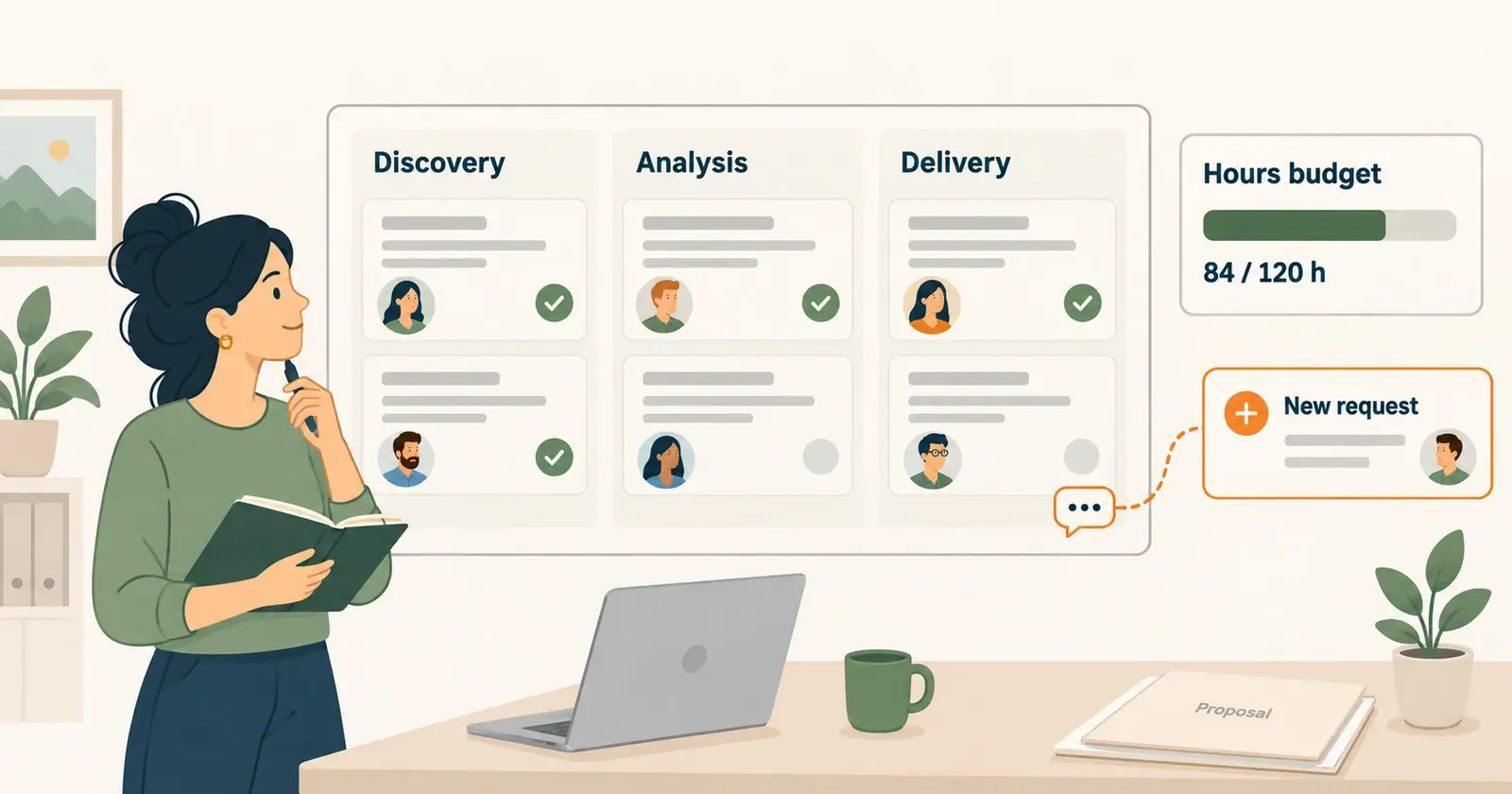
A Kanban board works well for support queues, content pipelines, design requests, and any work that moves through clear stages. Columns turn invisible status into something the whole team can see. Cards make ownership obvious. A board is enough as long as the team is running one workflow.
Boards also work as a meeting replacement. Many teams find their weekly status meeting becomes shorter or unnecessary once the board is up to date.
A simple project management tool, for everything else
A simple PM tool is the right answer when you have several projects, deadlines, clients, or any need for reporting. Tasks, boards, calendars, and time tracking live in one place. The team stops paying the cost of switching between three half-systems.
A simple project management tool like Breeze is built for this case. It keeps the daily experience close to a board but adds projects, calendars, time tracking, and reports. The team gets structure without spending the first week designing a workspace. For teams that are leaving chaos, low setup overhead matters a lot - the new tool has to start working faster than the chat thread it is replacing.
How do you make the move without losing the team?
The change fails when it is treated as a tool rollout instead of a workflow change. The tool is the small part. The behavior shift is the real work.
Start with one project, not all of them. Pick a project where the chat thread is the most painful right now. Move just that one into the new tool. Let everyone feel the difference for a week or two before adding more.
Decide what stays in chat and what moves. A clear rule helps: chat is for discussion, the task tool is for assignment, status, and decisions. If a chat message creates work, the work goes into a task. The decision behind it goes into the task too, so it is findable later.
Archive old threads instead of dragging them across. Trying to migrate every old conversation into the new tool kills momentum. Pull in only the active work. Anything older than a few weeks usually does not matter.
Keep the first version of the system small. Five columns on a board are enough. Tasks need owners and due dates. That is the minimum. More fields, labels, automations, and templates can come later, once the team is using the basic system every day.
Lead by example. The people who write the most chat messages are usually the ones who need to start writing tasks instead. If management still drops assignments into chat, the team will too. Introducing a new system without overwhelming the team is mostly about who uses it first and how visibly.
Questions teams ask when moving off chat and email for tasks
- Can a team manage tasks in Slack or email forever?
- Only for very small teams with very simple work. Once you have multiple projects, owners, or deadlines, the lack of status and history starts to cost more time than a real task tool would.
- What is the simplest way to start managing team tasks?
- A shared task list with owners, due dates, and a status field. If work moves through stages, jump straight to a Kanban board. Both are bigger upgrades than they sound from chat or email.
- Should we just use the task feature inside Slack or Teams?
- For very light tracking it can help. For real team task management, a dedicated tool wins because the work has its own home and is not buried in the chat timeline.
- How do you stop people from going back to chat for tasks?
- Set a rule and enforce it gently for a few weeks. If someone asks in chat, reply "add it to the board" instead of doing the task. Old habits change faster than people expect once the new tool is reliable.
- Do small teams need full project management software?
- Not always. A board or a shared task list is often enough. A PM tool is worth it when several projects, deadlines, or clients are involved and chat is hiding the bigger picture.
Give tasks a real home, and let chat go back to being chat
Email and chat stop working for tasks because they were never task tools. Once your team is rebuilding the same status update from memory every week, the system is already broken. The fix is small: a shared task list, a board, or a simple PM tool, depending on how the work is shaped.
A good next step is to pick the one project where the chat thread hurts the most and move just that into a real tool for two weeks. If the team feels the difference - and most do - expanding from there is the easy part.