 Why choose Breeze
 Marketing
 Creative
 Sales
 Remote work
 Managers
 Product teams

 Project management
 Task management
 Kanban tool
 Time tracking
 Project reporting
 Project calendars
 Project timeline
 Team workload
 Project automation
 Project customization
 Chat
 Web forms
 Project roadmap
 AI
 What's new
 Articles & guides
 Help center
 Mobile apps
 Integrations
 Developers & API
 Free tools
A single source of truth for project management tasks

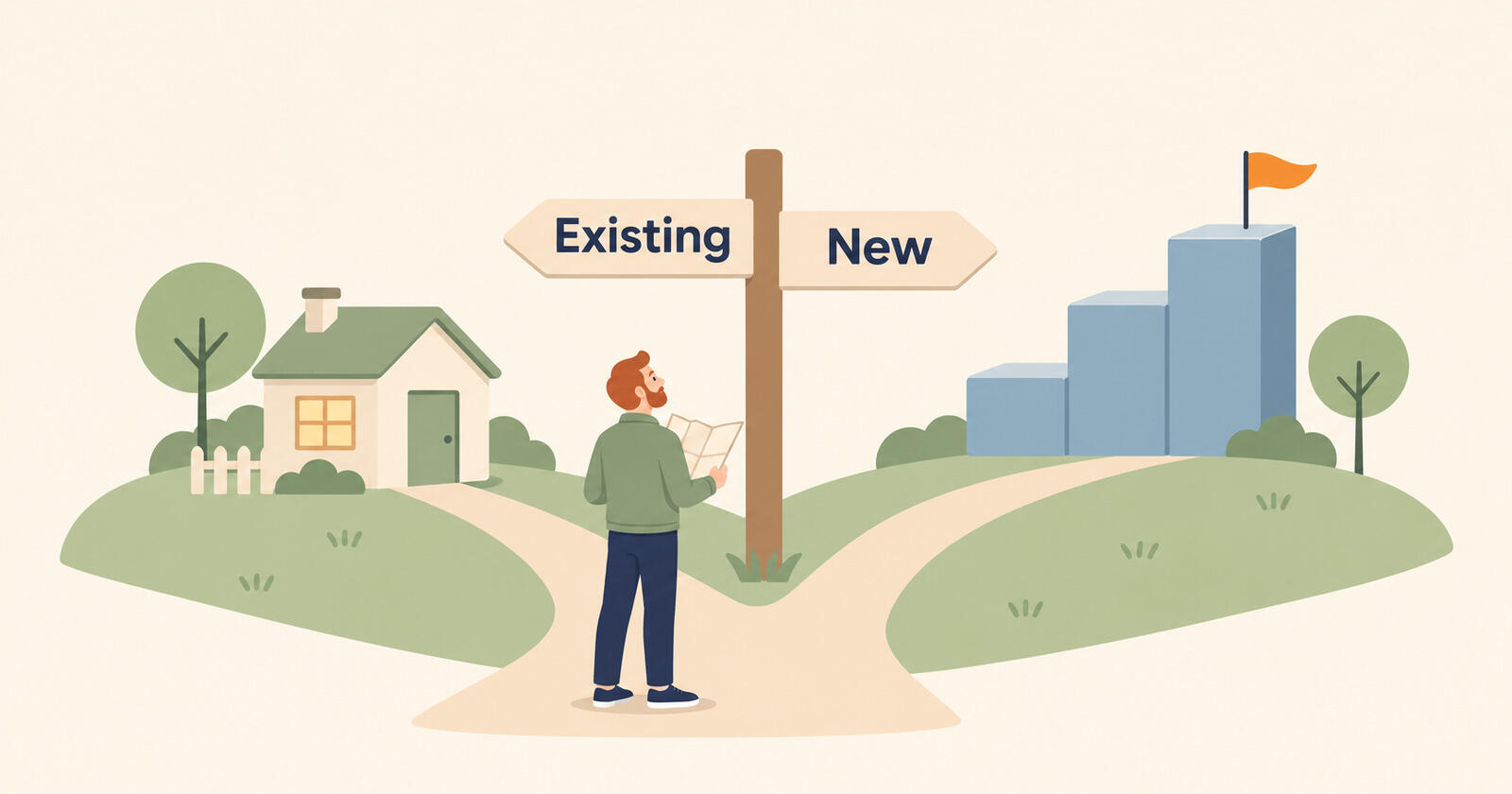
A single source of truth for project management is one agreed place to record each task, its owner and its due date. When the same task lives in a board, a spreadsheet and someone's to-do app, people stop trusting the lists. Choose one existing tool to hold the tasks, then give the other tools narrower jobs or retire them.
Start with the tool people already open every day, then check access, task requirements and cost. Daily use matters more than a long feature list. The harder work is moving the tasks and preventing another list from appearing six months later.

Contents
- Using too many tools?
- Why does another tool hurt?
- Which task tool should stay?
- What should each tool do?
- How would six people consolidate?
- How does the cut-over work?
- What happens to old history?
- How can you prevent duplication?
- Questions about consolidating task tools
Using too many tools?
You have the problem when the same piece of work is recorded in more than one place and people have to ask which version is right. Tool count alone is not the issue; a team can run fine on five tools if each one has a clear job. The trouble starts when two tools both claim to hold the task list.
Look for these signs of duplicate tracking:
- Double tracking. You update a card on the board and then the same line in a spreadsheet, so it will still be visible later.
- Conflicting statuses. The board says done, the spreadsheet says in progress, and someone has to ask in chat.
- Forgotten files. You discover a tracker someone built months ago that nobody kept up.
- Mixed task lists. Your own reminders and errands sit in the same app as client tasks, so you stop trusting either list.
- List maintenance. More of your week goes into keeping lists in sync than into moving projects.
A post on r/projectmanagement described exactly this. The writer ran several large programs for a small company with tasks spread across Todoist, Favro, Excel and Word documents, double-tracked tasks between the board and spreadsheets, and said plainly that they were managing the documents and tools more than the projects. A reply recommended choosing a single source of truth instead of adding another tool.
Why does another tool hurt?
A new tool adds another task list until the team stops using the old ones. For a while you have four places instead of three, and the new tool only wins if everyone moves at once, which rarely happens without a plan. As one reply in the same thread put it, adding a tool to simplify things just gives you one more thing to maintain.
The cost is not only the subscription. Every extra place work can live is a place a task can be forgotten, and every sync between two tools is a chance for them to disagree. The research on tool sprawl shows how common this has become; the fix is the same at any size.
Which task tool should stay?
Pick the tool people already open every day without being reminded. Daily use is a better predictor than a feature list: the people doing the work have to keep the task list current.
Check each candidate against these questions, in this order:
- Daily use: who opens it without a reminder? Count people, not logins. A spreadsheet one person maintains is a report, not a task list.
- Access: can everyone who assigns or does work get in? Include contractors, part-timers and client contacts who approve things. A tool half the team cannot see cannot be the truth.
- The awkward 20%: can it hold recurring tasks, tasks that wait on other tasks, and work with dates? Try your three messiest real tasks in it before deciding.
- Full-team cost: what does it cost for everyone who needs it? Price all those seats, not just the person choosing.
Features come last. A tool with fewer features that the whole team uses beats a powerful one that only the project manager opens. If two tools tie, keep the one with the most open work already in it, because that is less to move.
What should each tool do?
Once the task tool is chosen, every other tool gets one narrower job or gets retired. Write the jobs down, because the rule only holds if everyone can see it. For most small teams, use this division:
| Job | Lives in | Never lives in |
|---|---|---|
| What to do next, who owns it, when it is due | The one task tool | Spreadsheets, chat, email, personal to-do apps |
| Data, budgets and reporting | Spreadsheets | The task tool's comments |
| Reference documents and specs | One shared drive or wiki | Attached copies scattered across tasks |
| Quick conversation | Chat | Anywhere a decision needs to be found later |
| Your personal errands | Your own app or notebook | The team's task tool |
A spreadsheet can report on tasks, but it must not become the place where someone creates or changes them. The last row is the one people skip: keeping your personal list out of the team tool is what lets you trust the team tool again, which was the first piece of advice in that Reddit thread.
Decisions made in chat need one more rule: if it changes what someone does, it goes on the task in a comment. Otherwise the chat becomes a second, unofficial task list.
How would six people consolidate?
In this sample scenario, a six-person design studio keeps the board four people already use and stops tracking tasks in its spreadsheet and personal apps. The starting point is three task lists:
| Tool | What lives there | Who opens it daily |
|---|---|---|
| A board tool | Client project cards, about 140 open | 4 of 6 (the designers) |
| A master spreadsheet | Every project's deadlines and hours, one row per task | 1 of 6 (the studio manager) |
| Personal to-do apps | Follow-ups, client calls, invoices to send | 2 of 6, each with their own |
The board wins on the first question: four of six people already open it daily. The spreadsheet has the most structure, but only one person maintains it, and that is the double-tracking problem in a single file. The personal apps each hold real team work, the follow-ups and client calls, that nobody else can see.
The board becomes the agreed task list. The spreadsheet keeps one job, a weekly report of hours and deadlines built from the board, and stops being edited by hand. Client follow-ups move onto the board as tasks with owners and dates. The personal apps go back to being personal. The studio keeps three tools with different jobs. Only the board holds tasks, so the studio manager no longer spends hours copying cards into rows.
If the board had failed the access question, say the two account managers could not get in, the answer would have been different, which is why the order of the questions matters.
How does the cut-over work?
Move open work during a week with no big deadline, then stop editing the old lists on Friday. Use the week to collect tasks, import them and let each person check their list. An extended migration leaves the team maintaining both systems.
- Monday: announce the rule and the date. From Friday, if a task is not in the chosen tool, it does not exist.
- Tuesday: list every open task from every source in one place. Delete anything nobody can explain.
- Wednesday: import or recreate the open tasks in the chosen tool, each with one owner and a date.
- Thursday: each person checks their own list in the new place and flags anything missing.
- Friday: set the old task lists to read-only and stop editing them.
If the survivor is a tool you are adopting rather than one you already use, its importer can move the open tasks for you. Breeze, for example, can import existing tasks from Trello, Asana, ClickUp, monday.com, Basecamp, Notion, Airtable and Todoist, plus CSV for spreadsheets. Whatever the tool, test the import with one project before moving the rest.

The week after matters as much as the week itself. When someone asks for something in chat, reply with a link to the task or create it on the spot. Keep it up, and people start going to the task tool first.
What happens to old history?
Leave most of it where it is. Migrating years of finished tasks is slow, rarely clean, and almost never looked at again. Move open work, and archive the rest in a way you can still find.
- Export a copy. Save each old tool's data with the project files before cancelling anything.
- Keep read-only access. Leave old tools readable for a month or two if the plan allows, then cancel.
- Create an index. Make one page per client or program linking to the live tasks, archived exports and key documents. A reply in that Reddit thread called this the cheapest fix of all, because the forgotten-spreadsheet problem is really a finding problem.
For teams that run many client projects at once, the same idea scales: one place for the work, one place for each client's reference material. Use that pattern to organise client work across projects.
How can you prevent duplication?
Give every tool an owner and review whether it earns its cost each quarter. A trial also needs an end date. Tools accumulate when reasonable trials continue without a decision.
- The cancellation test. For each tool, ask what would break if you cancelled it next month. If the answer is nothing, cancel it. One agency owner on r/agency put it more simply: cut the tool, and if nobody complains, do not buy it again.
- One owner per tool. Someone is responsible for whether it earns its cost and for its renewal date.
- Test one project. A trial runs on one real project with an end date. If it does not clearly save time by then, it goes.
- A quarterly look. Keep a short list of every paid tool, its owner and its renewal date. Another agency owner buys every subscription on the first of the month, so the whole stack shows up together on one card statement.
- The task rule stays. A new tool can do a new job. It cannot become a second place where tasks live.
What is the first step?
List every place a task can live today and who opens it daily. Use that list to choose a candidate, then check access, task requirements and full-team cost. Pick the cut-over week and stop adding work to the old task lists.
Questions about consolidating task tools
- What does single source of truth mean in project management?
- In project management, a single source of truth is one agreed place to record each task, its owner and its due date. Other tools can hold documents, data or conversations. Keeping separate task lists in those tools leaves people unsure which record to trust.
- Should we replace all our tools with one all-in-one platform?
- Replacing every tool with one platform is rarely necessary. The goal is one place for tasks, not one tool for everything. Keeping a spreadsheet for reporting or a drive for documents is fine as long as neither is used to create or change tasks.
- How long does it take to consolidate onto one task tool?
- Plan a one-week cut-over for a small team: move open work only and set the old lists to read-only on a fixed day. Habits take longer, so keep redirecting requests from chat into the tool until people go there first.