Why choose Breeze
 Marketing
 Creative
 Sales
Sales Remote work
 Managers
 Product teams
 Project management
 Task management
 Kanban tool
 Time tracking
 Project reporting
 Project calendars
 Project timeline
 Team workload
 Project automation
 Project customization
 Chat
Chat Web forms
 Project roadmap
 AI
AI What's new
 Articles & guides
 Help center
 Mobile apps
 Integrations
 Developers & API
 Free tools
Breeze is now available in German, French and Spanish

You can now use Breeze in German, French and Spanish, as well as English. The update covers menus, buttons and messages across the app, along with emails and notifications.
Everyone can choose their own language. You can use Breeze in German while a teammate uses French, even when you're working on the same project.

Choose your language in profile settings
Open your profile settings and look for Language, just under First day of week. Choose English, Deutsch, Français or Español. The page reloads in your chosen language.

Your choice is saved to your profile and follows you across devices. You can change it at any time without affecting anyone else's settings.
There's also a language switcher on the sign-in and sign-up pages, so you can choose a language before signing in.
A suggestion based on your browser language
If your browser language is German, French or Spanish and you haven't chosen a language in Breeze, you'll see a small banner offering to switch.
Breeze waits for you to accept before changing anything. You can also dismiss the suggestion and keep using English. Once you've made a choice, it won't ask again.
What changes when you switch languages?
Navigation, buttons, menus and messages appear in your chosen language across project boards, tasks, the calendar, reports and settings. Calendar dates and weekday names follow your language too.

Your team's content stays as written. Project names, task descriptions, comments, notes and custom field names aren't automatically translated, so everyone still sees the same text.
List names, statuses and tags also keep their existing names, including defaults such as To-do, Doing and Done. You can rename these to match the language your team uses.
Get notifications in your chosen language
Emails and browser notifications use the recipient's language setting. If you assign a task while using Breeze in English, a teammate who has chosen French receives the notification in French.
This also applies to reminders, mentions and daily digests. The surrounding notification text is translated, while task names and anything your teammates have written stay as they are.
The same setting on mobile
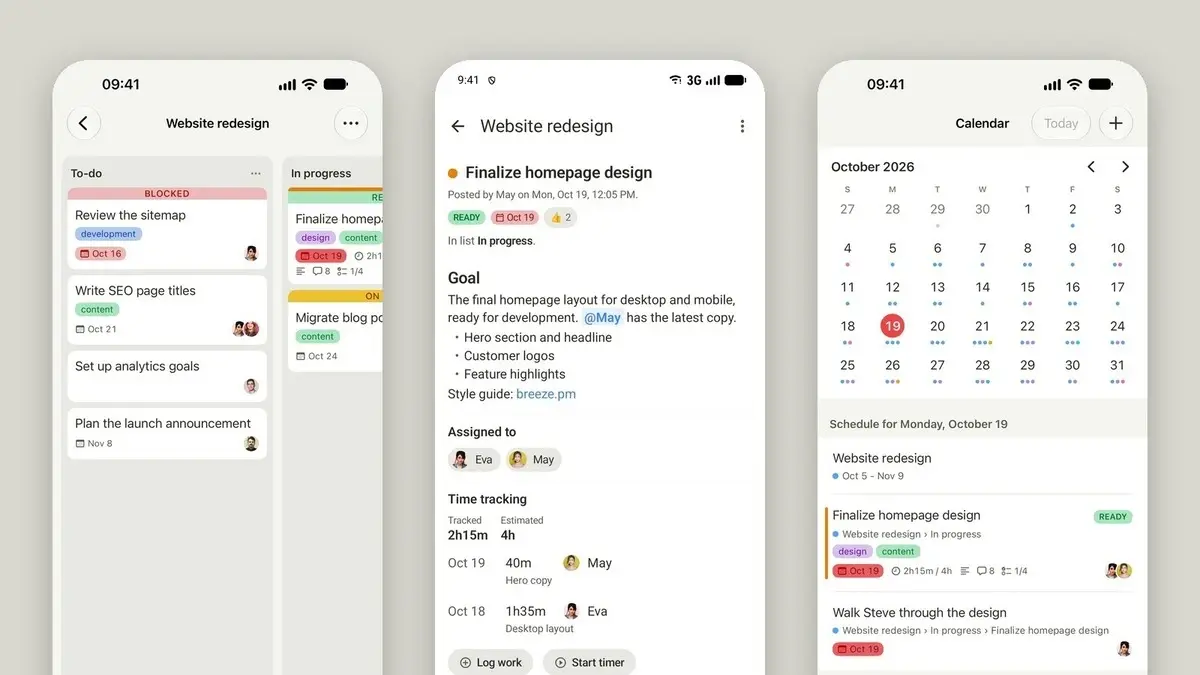
The mobile view uses your chosen language too. Open Breeze in your phone's browser and you'll see the translated interface without having to choose again.
The built-in AI assistant's chat panel also follows your language setting, keeping its controls consistent with the rest of the app.
Try Breeze in your language
Choose a language in your profile settings and try it with your next task.
If you spot a translation that sounds awkward or is hard to understand, send us a screenshot and let us know what you'd expect it to say. If you'd like to use Breeze in another language, we'd like to hear that too.