Why choose Breeze
 Marketing
 Creative
 Sales
Sales Remote work
 Managers
 Product teams
 Project management
 Task management
 Kanban tool
 Time tracking
 Project reporting
 Project calendars
 Project timeline
 Team workload
 Project automation
 Project customization
 Chat
Chat Web forms
 Project roadmap
 AI
AI What's new
 Articles & guides
 Help center
 Mobile apps
 Integrations
 Developers & API
 Free tools
Atlassian pricing changes in 2026: Jira prices and usage charges

Atlassian's 2026 changes affect two parts of the bill. Jira's seat prices rise on 13 October; the table below shows the old and new rates.
From 3 December, usage above the included automation and Rovo allowances is billed separately. Your settings determine whether metered work continues or stops at the limit.
The October rise is set out in Atlassian's list price FAQ. The December change comes from the 1 September announcement, which names Jira, Confluence, Jira Service Management and Rovo and also covers Assets and Bitbucket. Trello is named in neither.

Disclosure: We make Breeze, which overlaps with Jira for project tracking.
Contents
- Jira seat prices before and after 13 October
- A 25-user cost example
- Usage allowances and charges
- Whether Trello is affected
- How to budget for the changes
What does Jira cost per user now?
The Jira pricing page sets the per-user rate by team size and billing term. On monthly billing, teams of 1 to 100 users pay the US dollar rates below. Use its calculator for your user count and billing term; multiplying a per-user price is an illustration, not an annual contract quote.
| Plan | Until 12 October | From 13 October | What to check |
|---|---|---|---|
| Free | $0, up to 10 users | $0, up to 10 users | Not named in the rise. Feature and usage limits still apply, and there is no Rovo credit allowance |
| Standard | $9.05 per user | $9.70 per user | Seat total, included usage and extra-usage settings |
| Premium | $18.30 per user | $19.60 per user | Advanced planning and larger usage allowances |
| Enterprise | Contact sales | Contact sales | Annual terms only, available from 801 users |
Per-user rates fall as the team grows. The pricing page opens on a 300-user example, where the blended rate sits well below the 1-to-100 price because users 101 to 250 are billed at $8.20 and users above 250 at $6.85 on Standard. That lower figure is not what a small team pays. Annual billing is priced per user tier rather than per user: for 1 to 10 users, Standard is now $950 a year, and Premium's annual tiers moved by a similar margin.
The new list applies to purchases, renewals and upgrades from 13 October. Existing annual subscriptions keep their rate until renewal, and quotes issued before the change remain valid until they expire. Confluence, Jira Service Management and other Atlassian products have separate seat rates.
How would the changes affect a 25-user team?
At the new monthly rates for teams of up to 100 users, a simple 25-user multiplication gives a base of $242.50 for Standard or $490 for Premium per month, before tax and other products. Before 13 October the same team paid $226.25 or $457.50, so the rise alone adds $16.25 or $32.50 a month, which is $195 or $390 a year. Confirm the actual subscription total in your quote.
| Illustrative Jira setup | Base-price calculation | Monthly automation allowance | Monthly Rovo credits |
|---|---|---|---|
| 25 Standard users | 25 × $9.70 = $242.50 | 25 × 400 = 10,000 steps | 25 × 25 = 625 credits |
| 25 Premium users | 25 × $19.60 = $490.00 | 25 × 750 = 18,750 steps | 25 × 70 = 1,750 credits |
Atlassian's automation usage rules set extra usage at $0.50 per 1,000 steps, billed from 3 December 2026. If the Standard example uses 20,000 steps, has no other pooled allowance and enables extra usage, the excess is 10,000 steps, or $5. Rovo is a separate meter: if the same team used 1,625 Rovo credits in a month, the 1,000 beyond its 625 would cost $10 at $0.01 each.
In this example, the seat increase adds $16.25 a month and the extra usage adds $15. A team inside its allowances pays no additional usage charge; a busier workflow can produce a larger bill.
This example isolates one meter at a time so the arithmetic is clear. A real organisation may receive allowances from several subscriptions. Use the organisation total rather than assigning the same shared allowance to each team's budget.
What do the usage meters count?
Rovo credits
Rovo credits cover billable AI interactions and some Teamwork Graph context requests. Paid Jira plans include 25 credits per user per month on Standard, 70 on Premium and 150 on Enterprise. Confluence has the same allowances, and Service Collection and Teamwork Collection include 250, 700 and 1,500. Jira Free has no Rovo allowance. Credits are pooled across the organisation, reset monthly and do not roll over.
The Rovo credit rules distinguish basic interactions from more demanding agents and models. A basic event, such as a quick Rovo Chat answer, costs 10 credits. Premium features such as Think deeper, Agents in Jira and the Jira Coding Agent use a variable number of credits, and Atlassian publishes no fixed rate for them, so one chat message is not a reliable unit for budgeting every Rovo workflow.
From 3 December 2026, use beyond the allowance costs $0.01 per credit, or $10 per 1,000. Extra usage is switched on by default; admins can set a spending cap or turn it off, and get alerts at 80% and 100% of the allowance. Enriched context calls made by tools such as Claude or ChatGPT through Atlassian's Rovo MCP server or the Teamwork Graph CLI also use credits, while single-product lookups and writes are free.
The 25-user Standard team shares 625 credits, enough for 62 basic chat messages at 10 credits each, with 5 credits left. An extra 10,000 credits costs $100. Use measured consumption to estimate agent and outside-assistant usage rather than assuming each request costs the same. The Rovo pricing breakdown covers allowances and extra usage across Jira, Confluence and the Collections.
Rovo Search inside Atlassian apps and embedded summaries do not consume credits. Enriched requests through outside assistants can, so distinguish the feature being used from the assistant that sends the request.
Automation steps
Jira includes 150 automation steps per subscription per month on Free, then 400 per user on Standard, 750 on Premium and 1,000 on Enterprise. Confluence allowances are smaller: 100, 250 and 500 per user on its paid plans. Steps are pooled across the organisation.
Triggers, conditions, actions, branches and loops count when they execute, including a trigger that finds no match. A flow can therefore consume several steps per run. Agentic actions such as Use Rovo or the Jira Coding Agent are billed as Rovo credits instead of steps. With extra usage disabled, reaching the allowance stops flows until the usage billing date resets it. With extra usage enabled, flows continue and, from 3 December 2026, the excess is billed at $0.50 per 1,000 steps.
AI agent resolutions
This meter counts qualifying requests resolved by an AI agent. The resolution billing documentation covers Customer Service Management. Service teams should check the product and agent they use rather than assume every chatbot interaction is a resolution.
These are not the only capabilities covered by the rollout. Assets objects and Bitbucket have their own rules. If your organisation uses them, include those costs in the same review.
Is Trello part of this pricing change?
Trello is not named among the affected products in the 1 September announcement, it is not in the 13 October list price change, and it is not among the apps on Atlassian's usage billing page. There is no basis for applying these Jira and Confluence charges to a Trello workspace. Trello meters automation in Workspace command runs instead: 250 a month on Free, 1,000 on Standard and unlimited on Premium. Its AI features are included from the Standard plan, $5 per user per month billed annually, with no credits, and its MCP server is available on every plan including Free.
Compare Jira and Trello if you need to choose between their workflows and plan limits.
How should you budget for the changes?
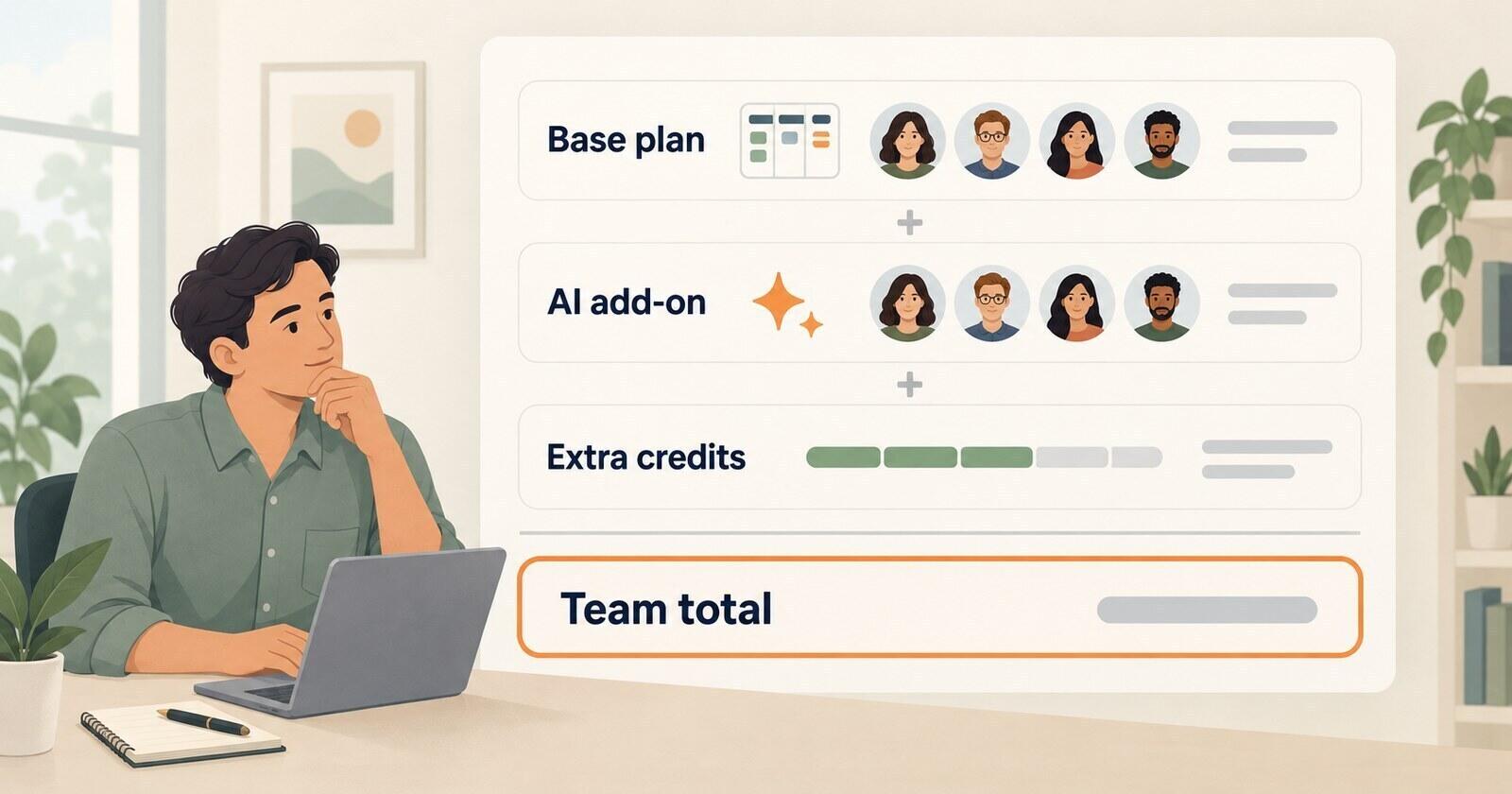
Keep four figures together: the seat subscription, included usage, expected extra usage and the spending cap. Use the organisation's shared allowance once, even when several teams or subscriptions contribute to it.
- Check renewal terms. Record the date the new seat price applies and any valid quote at the previous rate.
- Measure a representative month. Include launches, reporting cycles and bulk updates. Review executed steps and credits, not just the number of rules or agents.
- Review expensive workflows. Check repeated triggers, loops and schedules with the workflow's owner. Remove unnecessary runs without losing a useful result.
- Choose the limit. Decide whether important work should pause or continue with paid usage. Assign an admin to alerts and document a fallback if a critical flow stops.
- Compare the complete plan. Larger allowances may help, but include the features and full seat cost in an upgrade decision.
For the 25-user example, Premium costs $247.50 more per month than Standard, while 10,000 extra automation steps cost $5. Upgrading only to avoid that charge would cost more. Premium may still fit if the team needs its planning or administration features.
If the cost outweighs the benefit, compare Jira alternatives for the work you actually do. Include migration and integration costs when comparing a simpler task board with an established development workflow.